
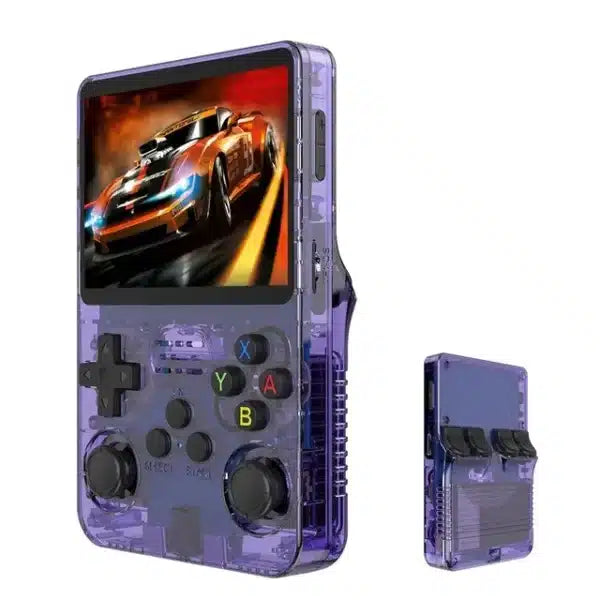
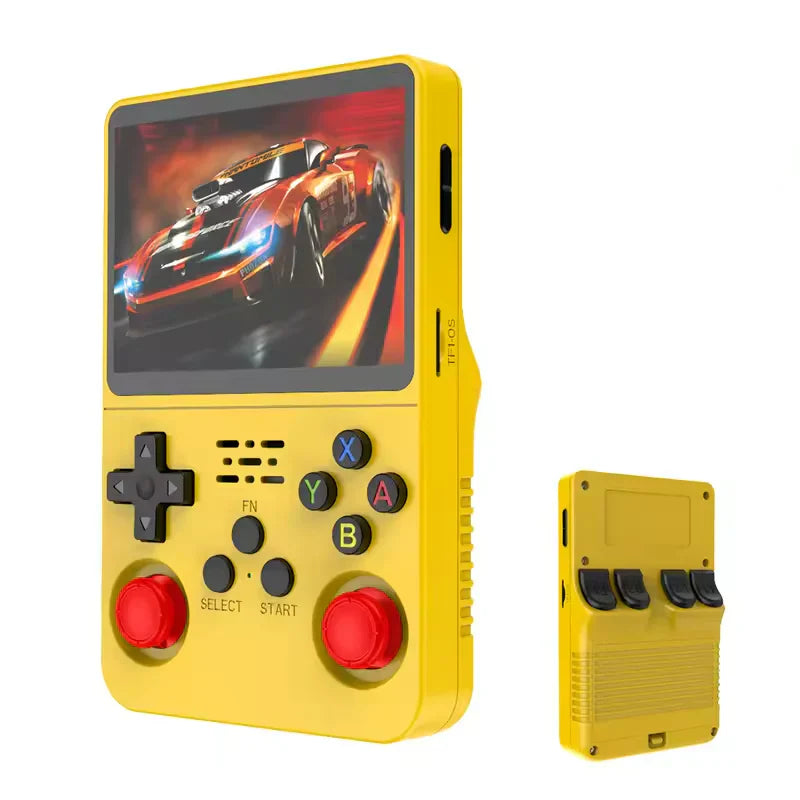
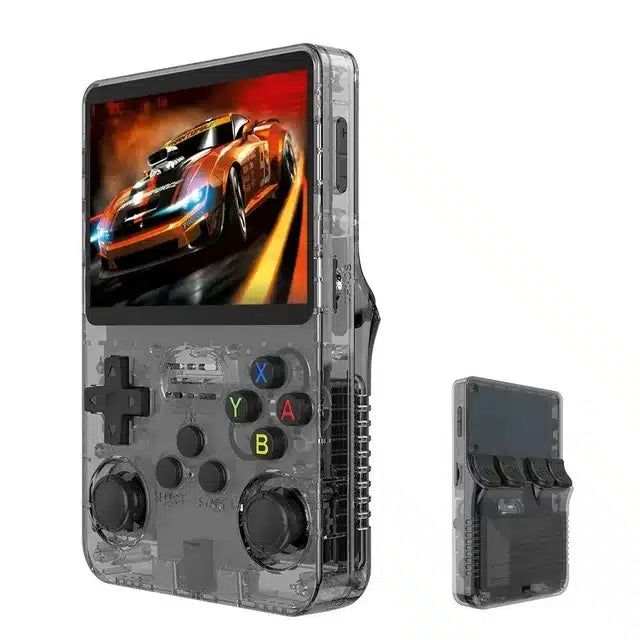
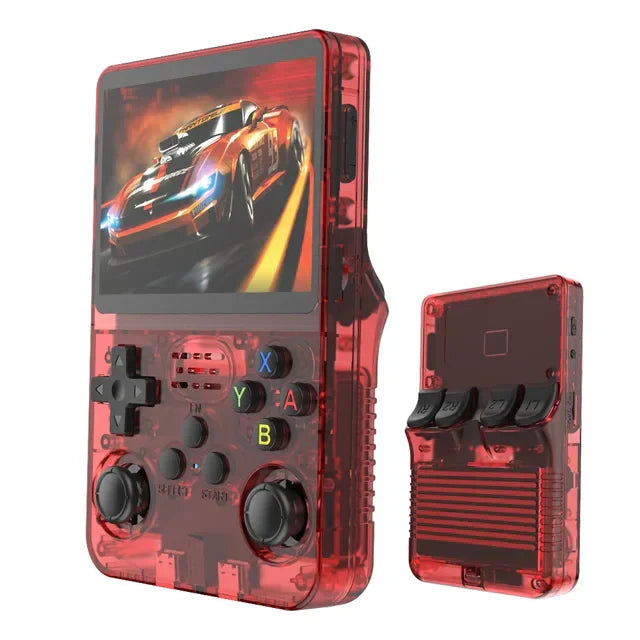
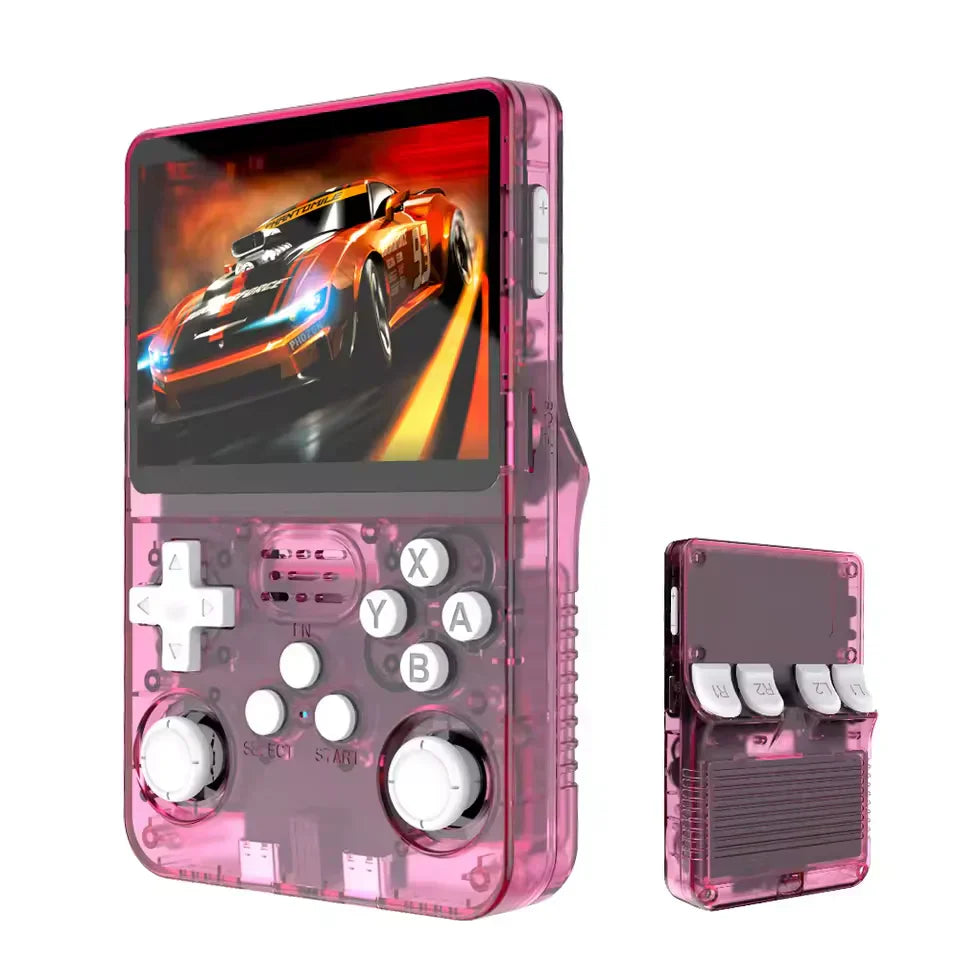
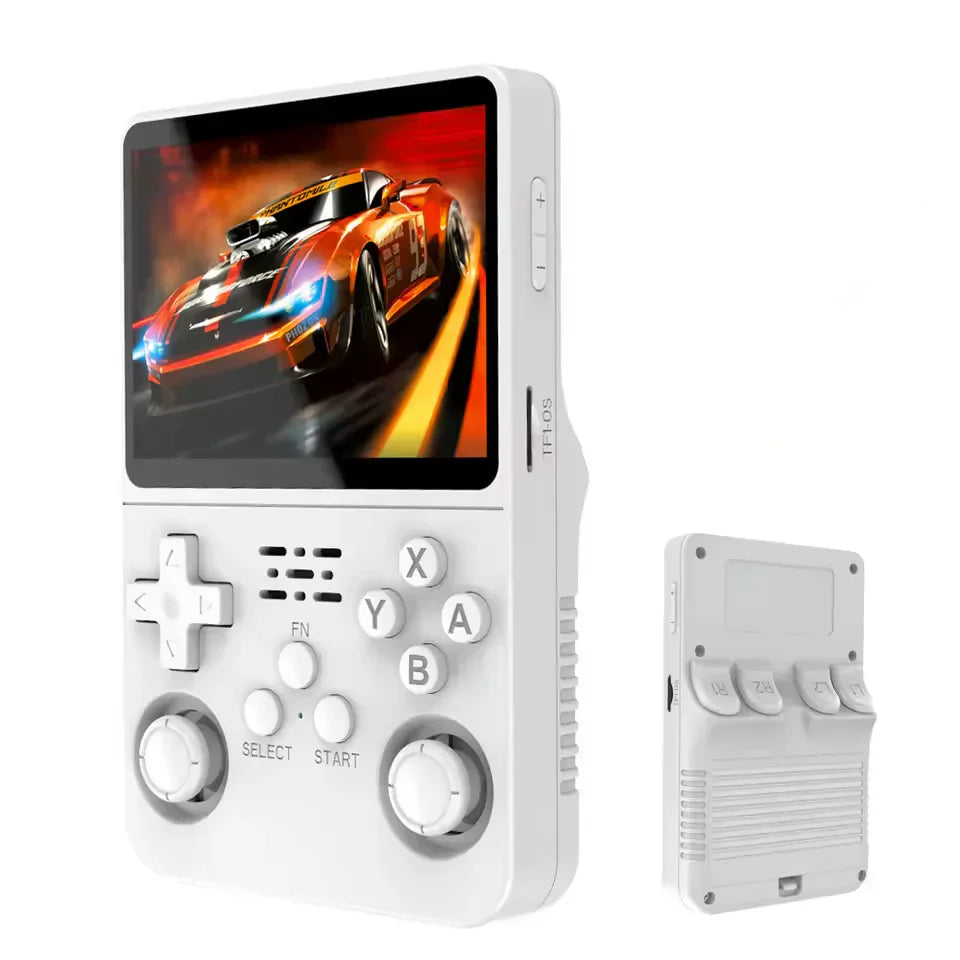
R36S Retro Handheld Game Console
R36S Retro Handheld Game Console
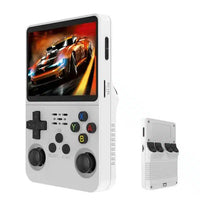
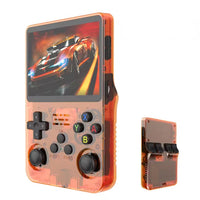
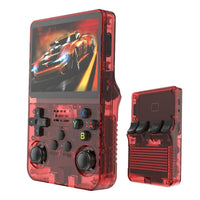
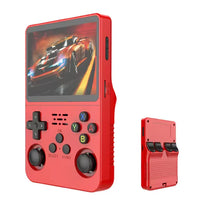
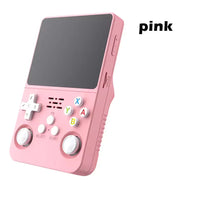
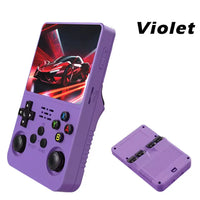
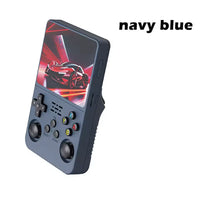
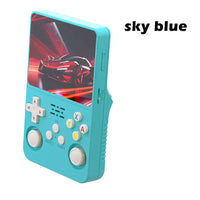
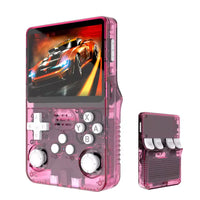
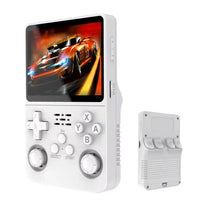
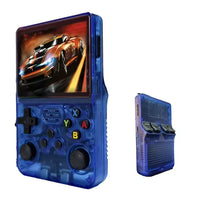
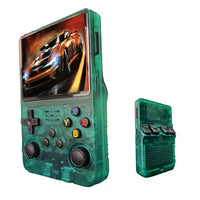
Couldn't load pickup availability

R36S Retro Handheld Game Console
Assign upsell products in block settings
R36S Handheld Console Overview
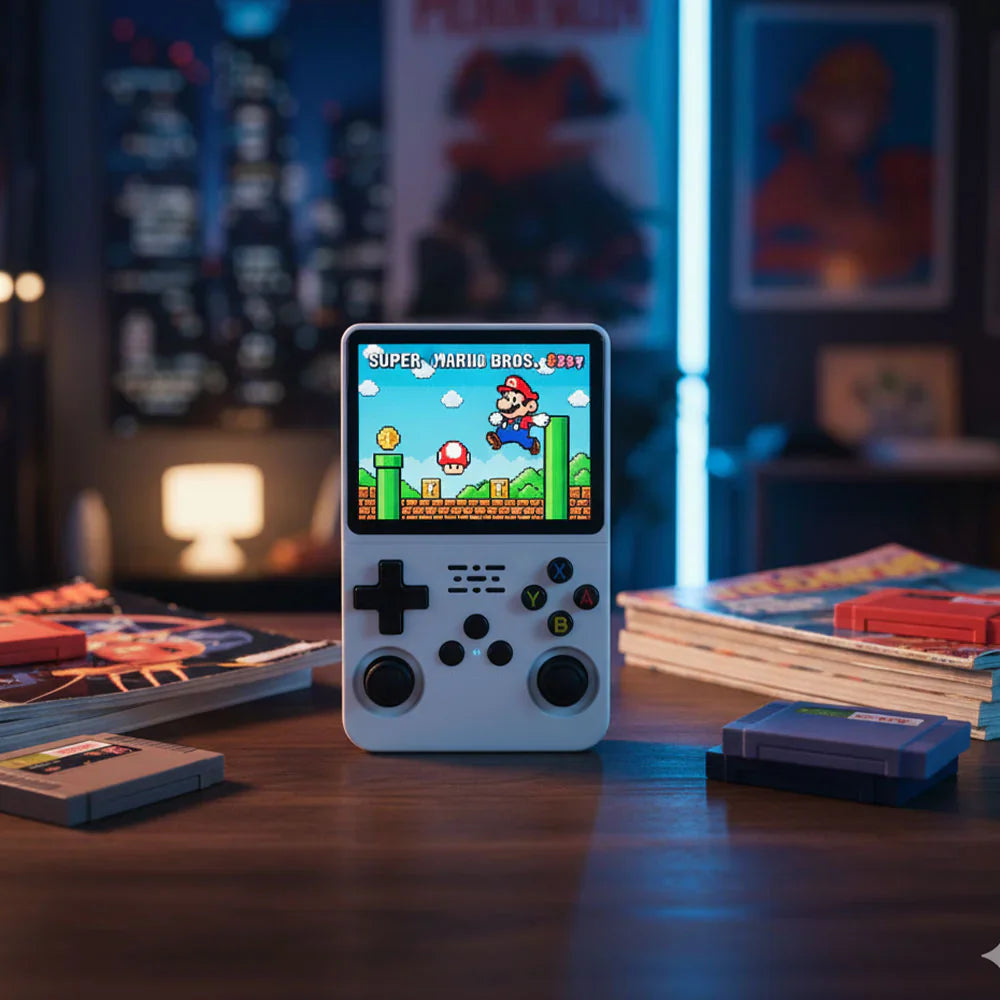
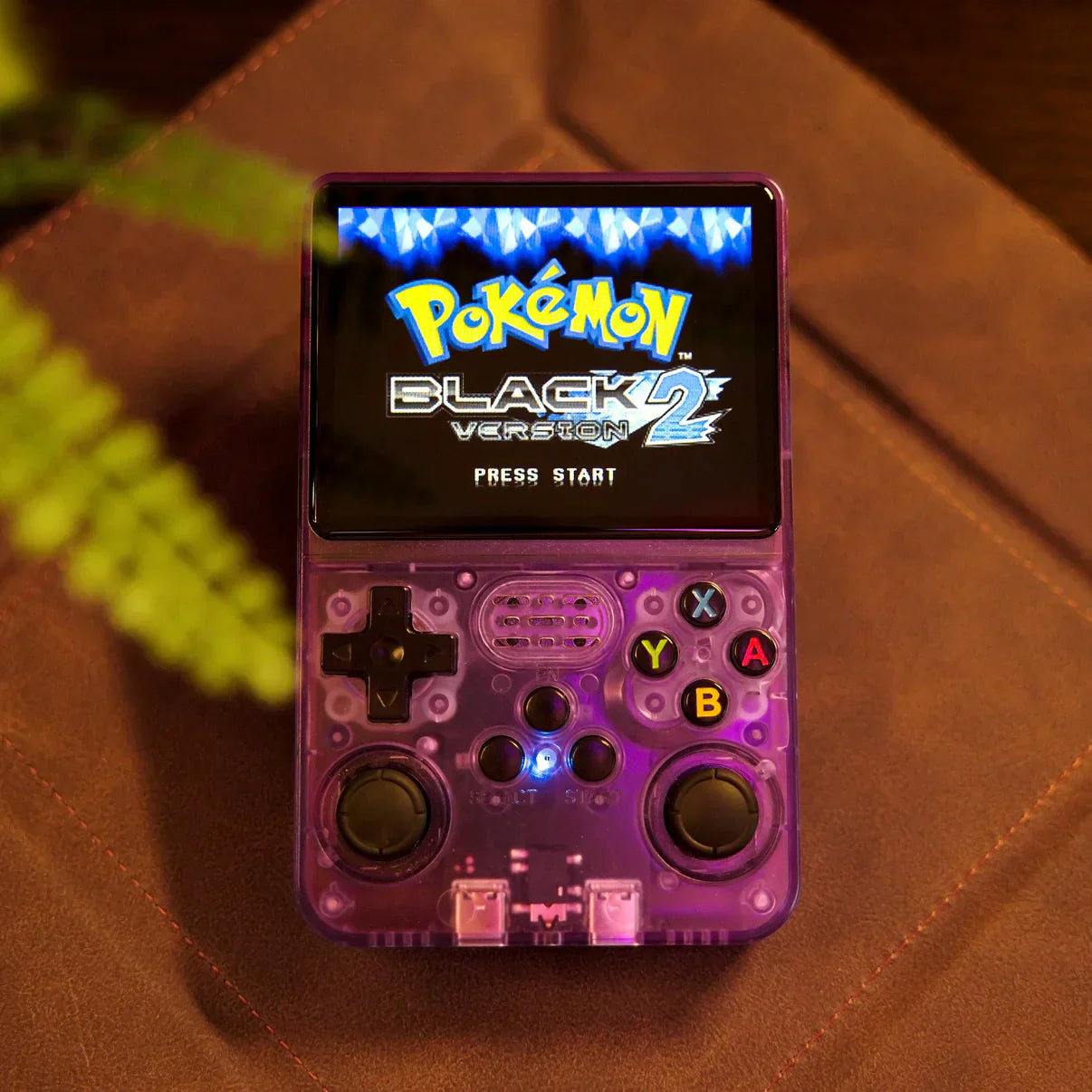
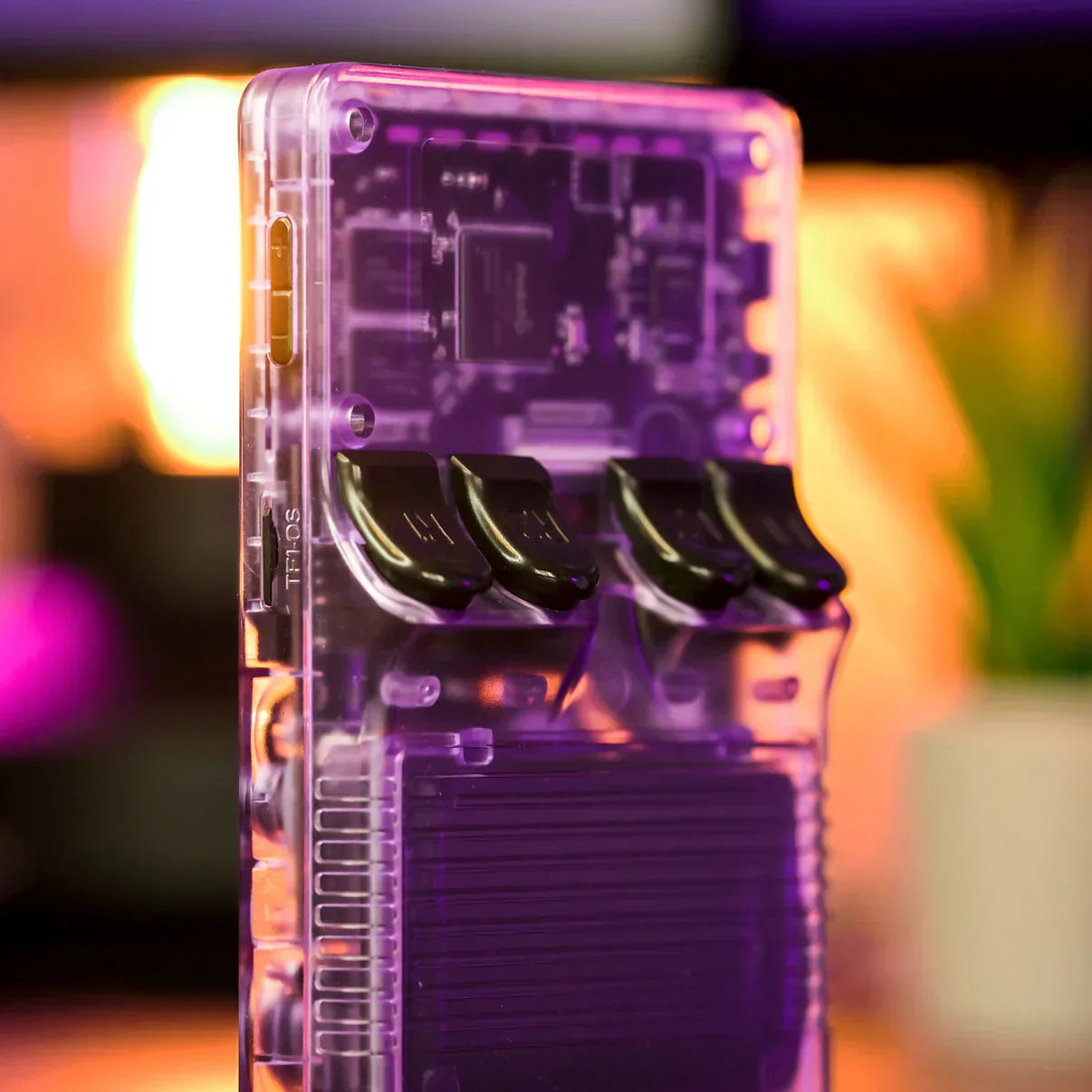
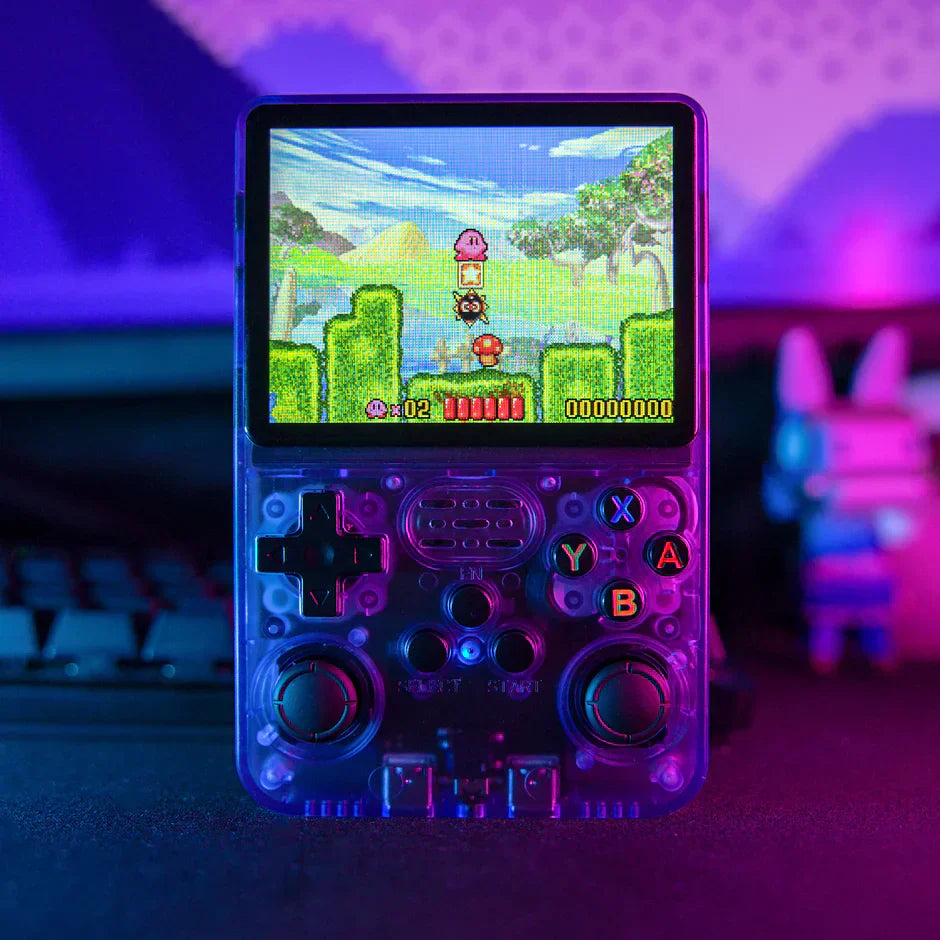
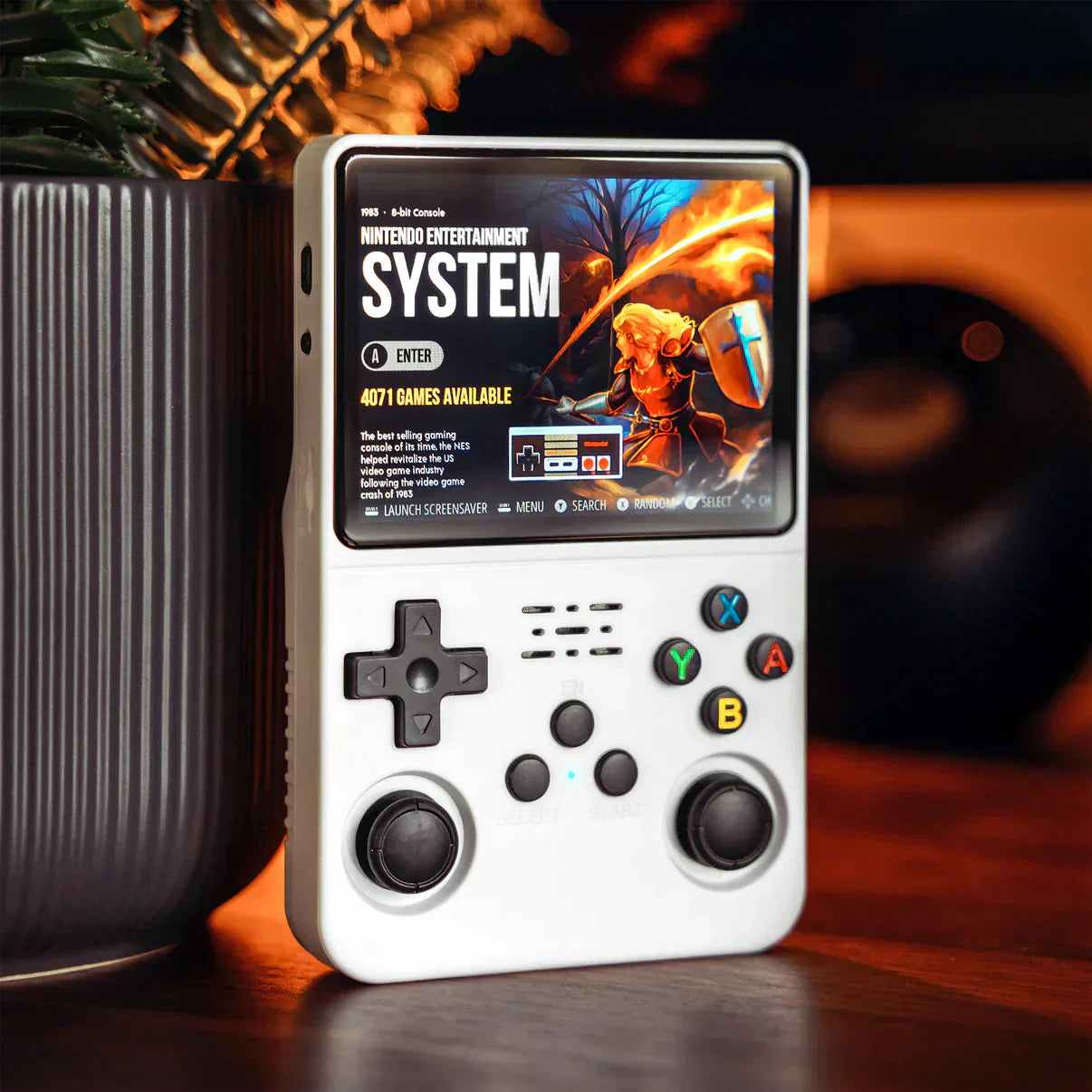
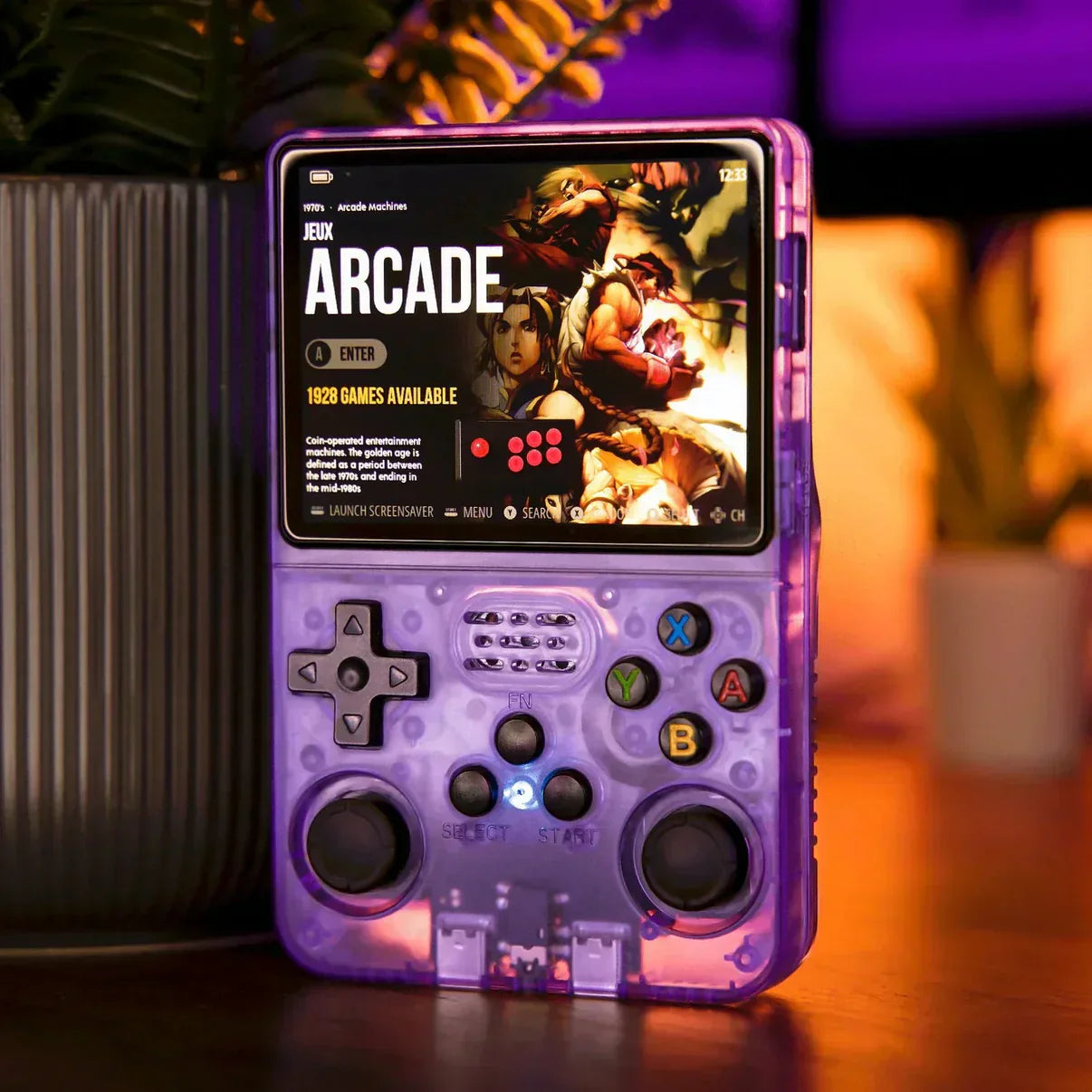
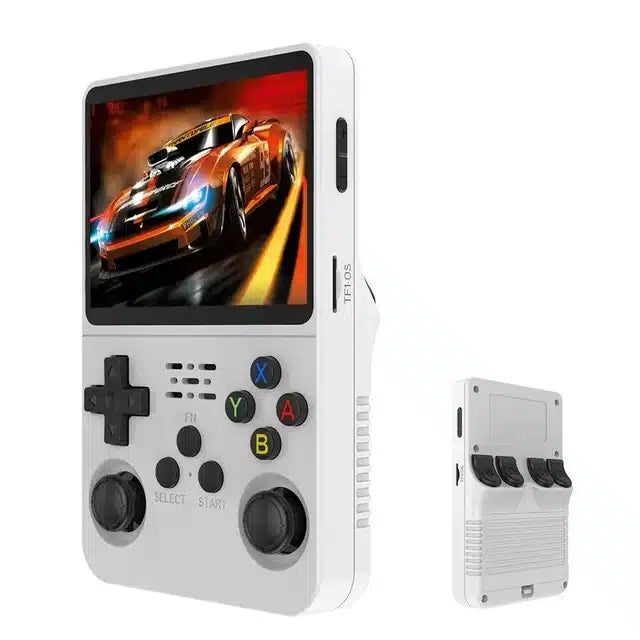
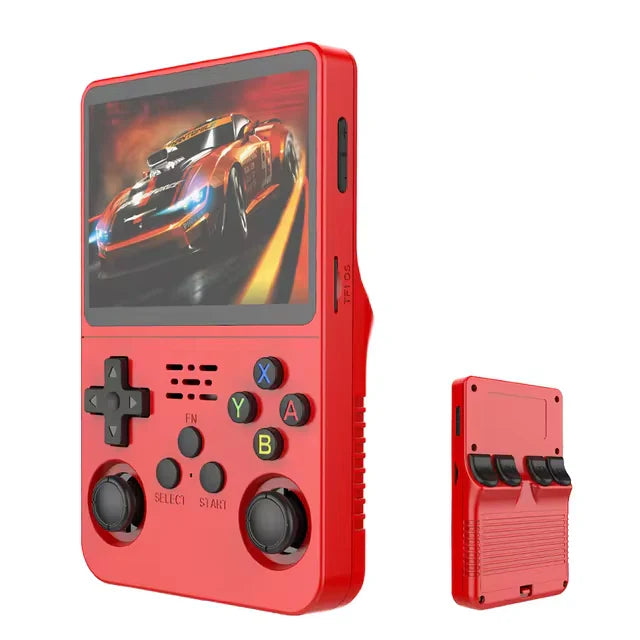
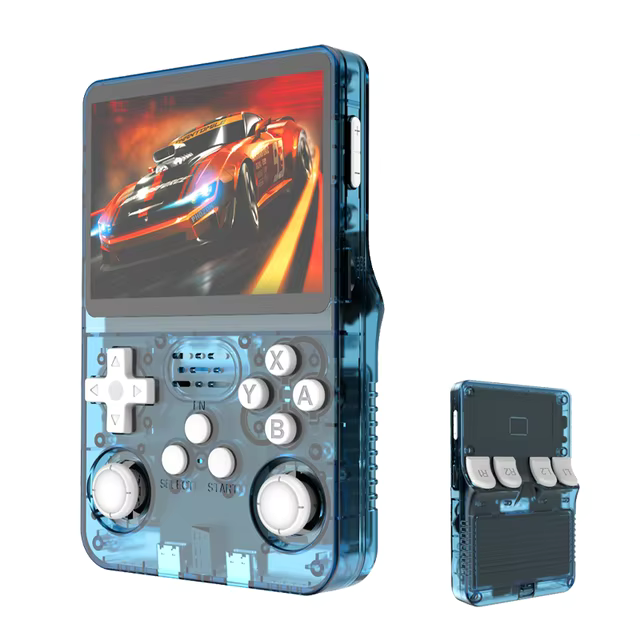
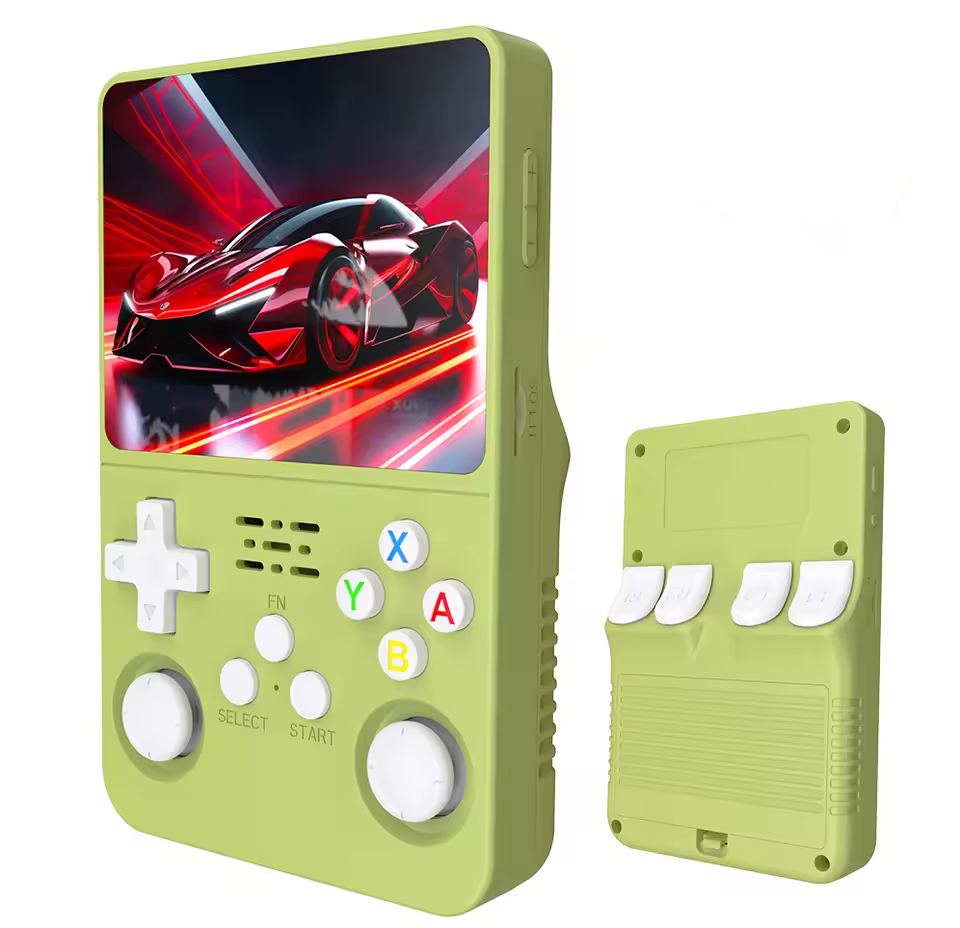
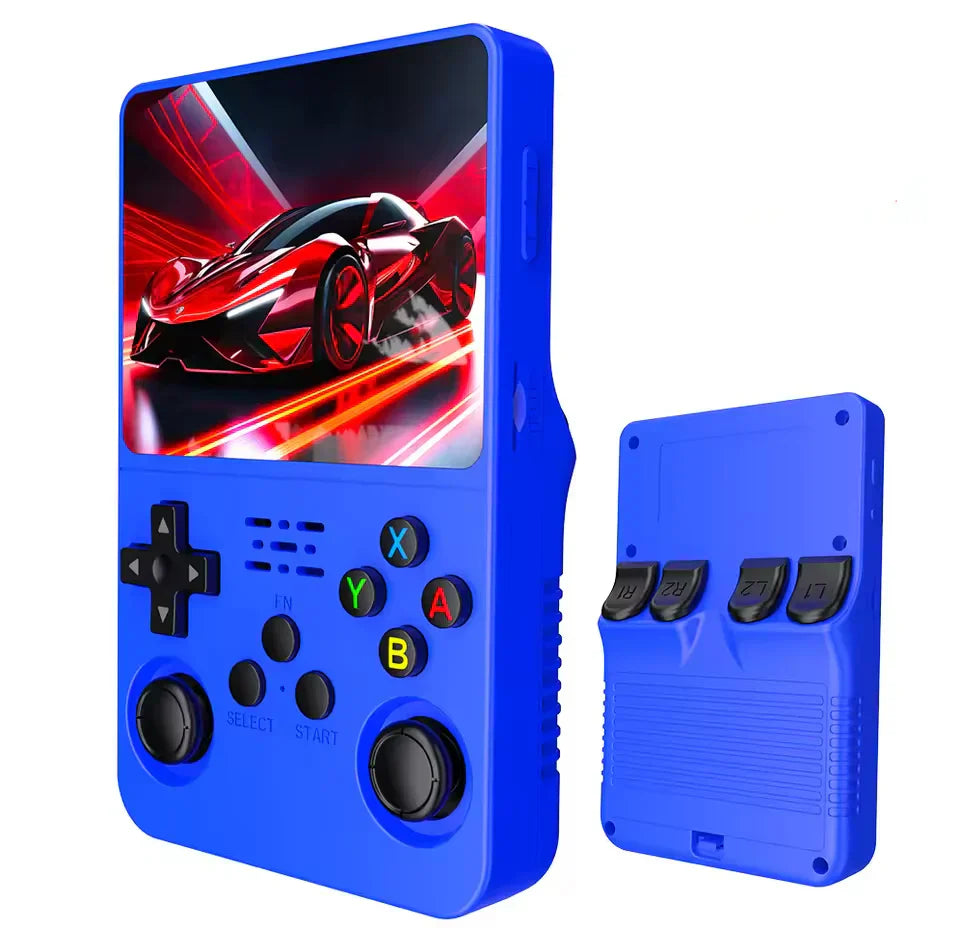
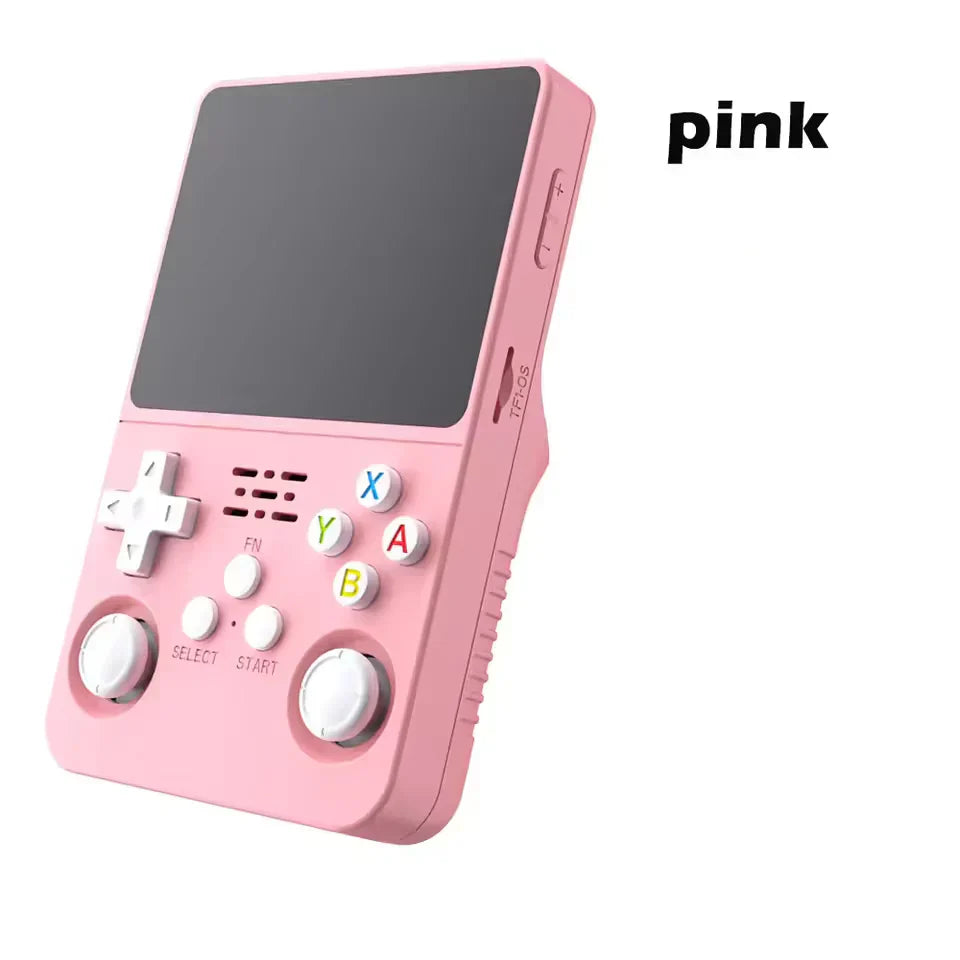
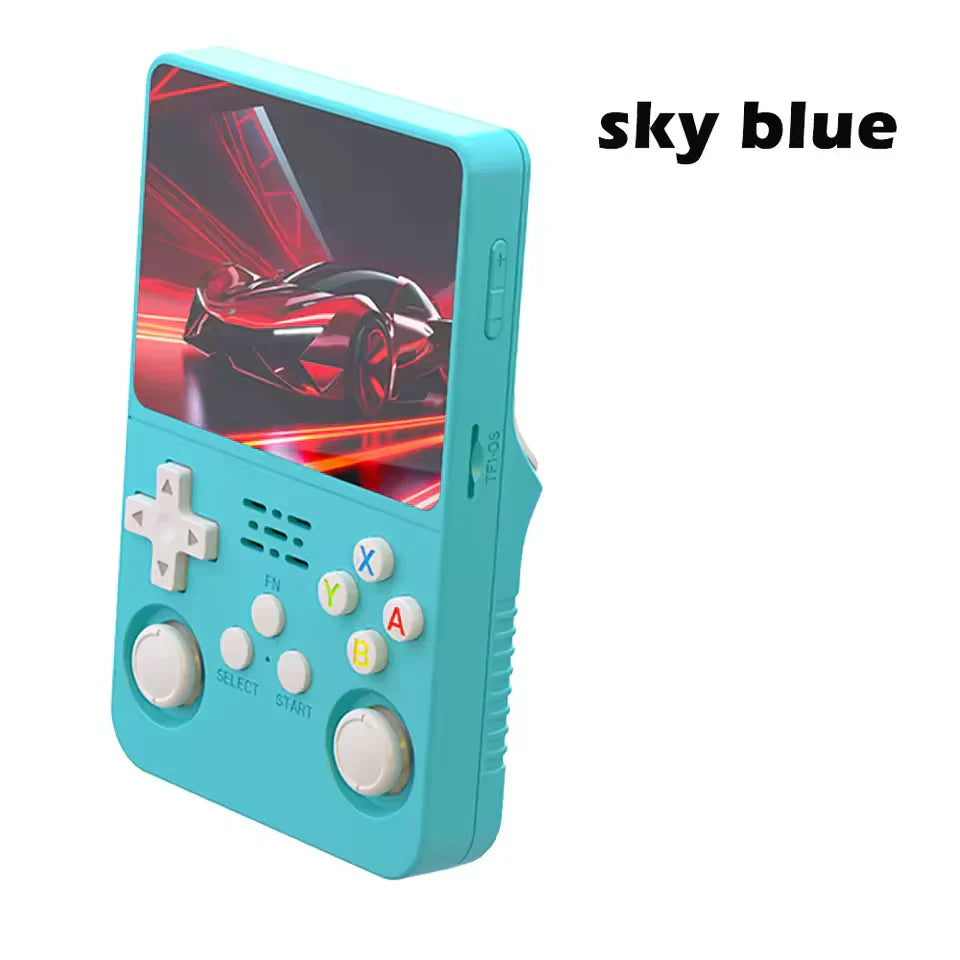
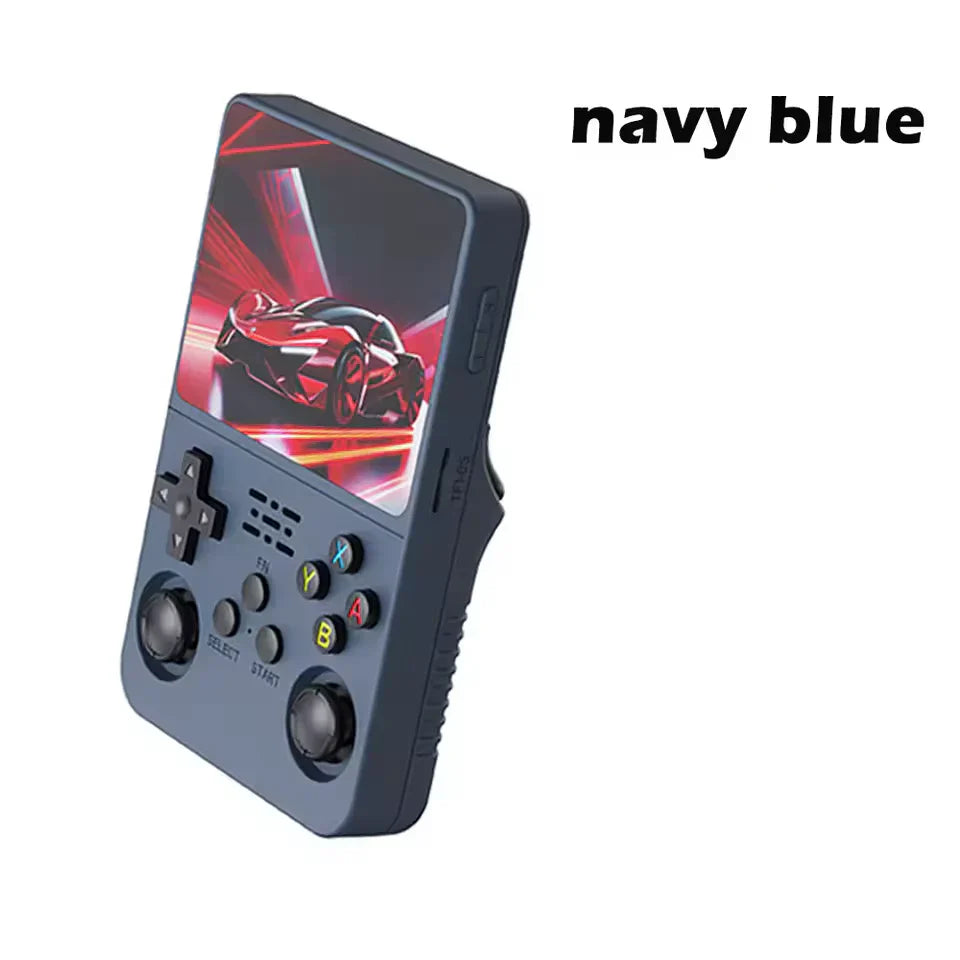
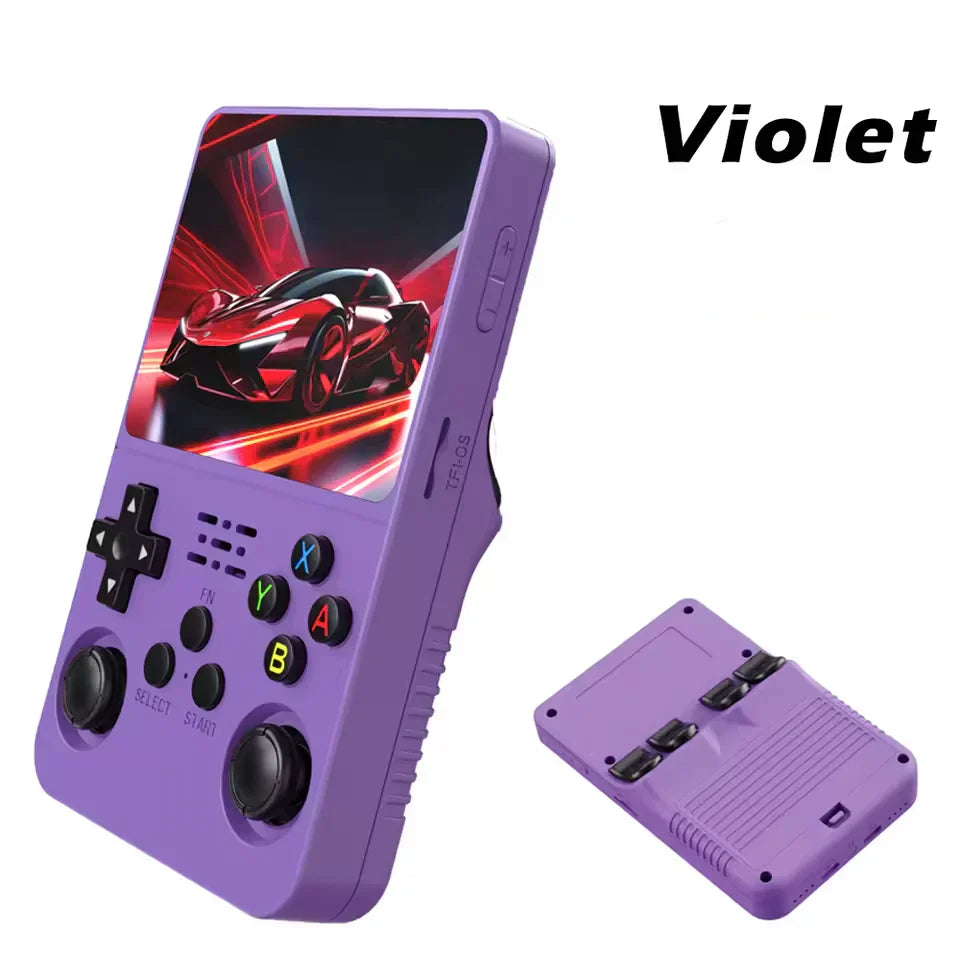
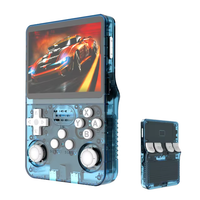
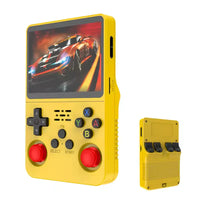
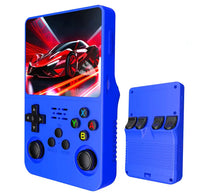
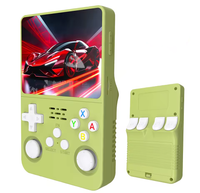
The R36S handheld console is a small Linux based retro handheld for simple portable play. It has a vertical shell, a 3.5 inch IPS screen, dual sticks, a d-pad, face buttons, shoulder buttons, USB-C power, and microSD storage. It is made for buyers who want a clear, low cost way to play classic style games on the move.
This page gives a plain view of the product. It does not use sole source claims. It does not promise a fixed game library. It explains what the R36S handheld console does well, what may vary by batch, and how we help after the sale.
The R36S handheld console is best for classic 2D play, puzzle games, arcade style play, platform games, racing games, and many lighter 3D era titles. Some games need setup changes. Some files need a BIOS file that you own. Speed can change by title, file, card, firmware, and settings.
Why This Store Is Different
Many R36S listings look the same at first glance. The photos may match. The names may match. The price may look close. The real difference is often the level of care before and after the order.
We treat the R36S handheld console as a support led product. We check basic function points. We write clear model notes. We keep feature claims modest. We avoid claims that cannot be proved from the unit in hand.
This helps a new buyer make a calm choice. You can see the key specs. You can read the setup notes. You can check the return terms. You can contact us if the unit needs help.
What We Check Before Dispatch
Each R36S handheld console order goes through a simple, practical check flow when possible. We look for clear faults that a buyer should not need to find at home.
The check covers boot, screen, button input, stick input, speaker output, charge behavior, card read, and menu load. This is not a lab test. It is a real world out of box check.
If a unit fails a clear basic check, it should not be sent as a normal unit. If a small batch detail varies but the unit works as expected, we note that R36S batches can vary.
- Power on and boot check.
- Screen and backlight check.
- D-pad, face button, stick, and shoulder input check.
- USB-C charge behavior check.
- Storage card read check.
- Basic menu and sound check.
- Shell and label review for clear damage.
Batch Variation and Realistic Expectations
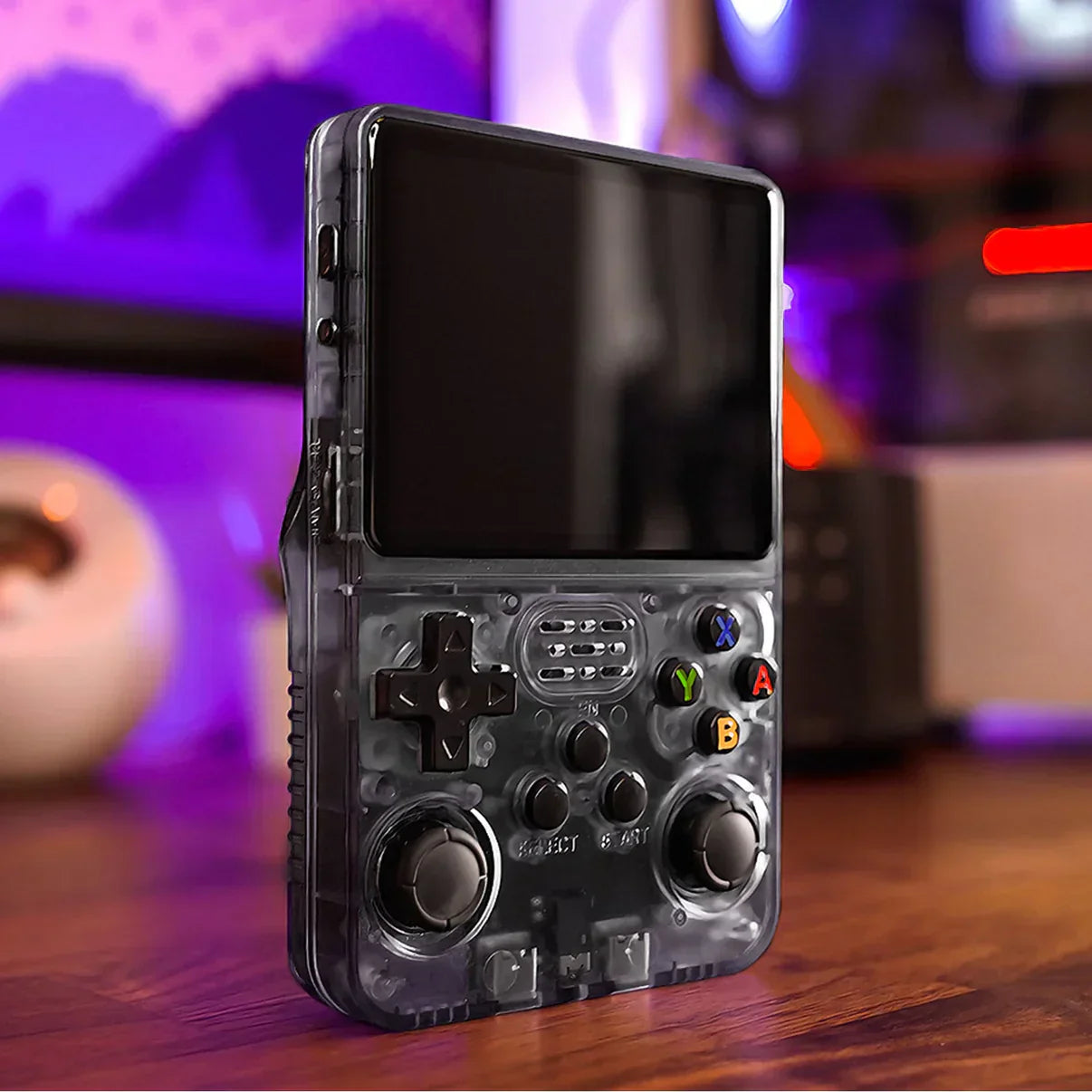
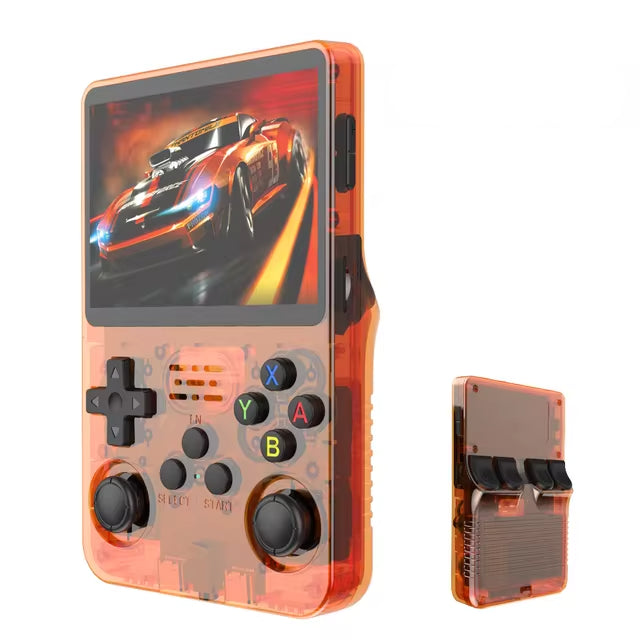
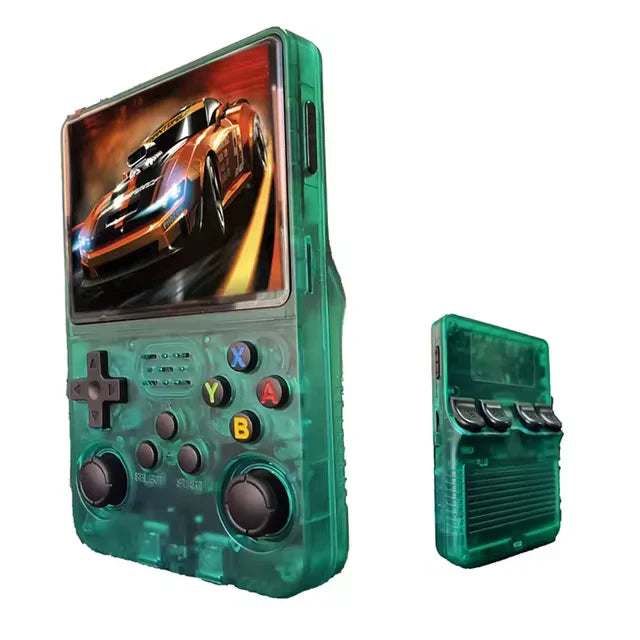
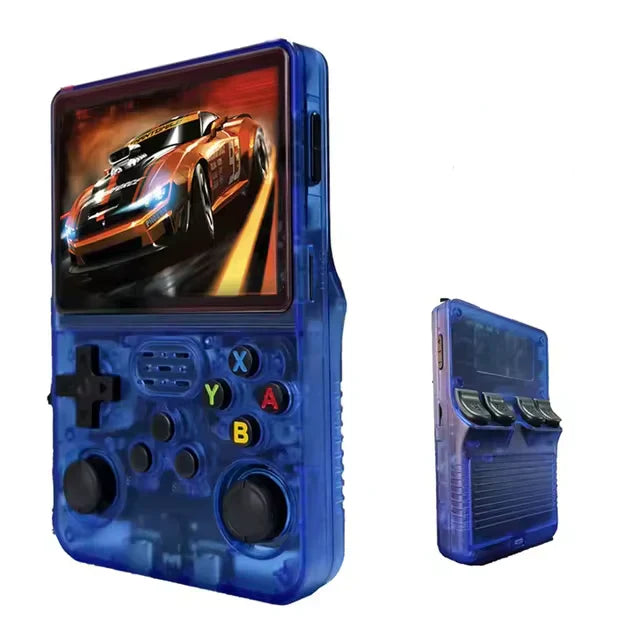
The R36S handheld console market has more than one batch. Shell shade, label print, board mark, menu build, card brand, and package detail can vary. That is normal for this class of low cost retro handheld.
A small board or label change does not prove that a unit is good or bad. Function matters most. The unit should turn on. The screen should show a clear image. Buttons should respond. The card should load. The battery should charge in a normal way.
If you need help, send a photo of the front, the rear label, and the card slots. Send a short video of the issue too. These simple files help support see the exact unit and guide the next step.
Display and Controls
The screen is one of the main reasons people choose the R36S handheld console. The 3.5 inch IPS panel uses a 4:3 shape. That shape fits many classic systems well. Text is easy to read in most menus. Colors look clean for casual play.
The controls are made for short play sessions and travel. You get a d-pad for old style games. You get face buttons for action and menu use. You get dual sticks for games that need analog input. You also get shoulder buttons for systems that use more inputs.
Comfort is personal. Some buyers love the small vertical shell. Some buyers with large hands may prefer a wider device. If grip comfort is a concern, pair the R36S handheld console with a case or grip style accessory.
Storage and Setup
The R36S handheld console uses removable microSD storage. This is useful because it lets you back up the card, test a fresh card, or make a separate setup for custom firmware work.
Back up your card after the unit arrives. Keep that backup safe. If you want to test firmware, use a new quality card. Keep the first card unchanged until the new setup works.
Do not pull a card while the unit is on. Use the software shut down option first. This simple habit can help prevent file errors and lost saves.
Game Files and Legal Use
Use game files and BIOS files that you legally own. The R36S handheld console is a device for running compatible files. It should not be judged by a claim about a fixed copyrighted game set.
Some storage options may arrive with different menus or sample files based on supplier batch. That can change over time. The safer way to buy is to focus on the device, the specs, the card size, and the support path.
If you add files later, keep names simple. Use folders that match your menu. Test a few files first. Then add more once you know the card and menu work as expected.
Who Should Buy the R36S Handheld Console
The R36S handheld console is a good fit for a nostalgia buyer who wants a small device at a fair price. It is easy to carry. It is simple to charge. It is fun for short breaks.
It is also a good gift choice when the buyer wants a retro feel without a premium price. The device feels simple, but it still gives room to learn about cards, files, themes, saves, and firmware.
A tinkerer may like it too. The R36S handheld console has a strong community around Linux handheld setup. It is a low cost way to learn how these devices work.
Who Should Compare Other Models First
Do not buy the standard R36S handheld console if you need built in Wi-Fi on every unit. Wi-Fi support depends on the exact related model or adapter setup. Check the exact product page first.
Do not buy it if you need TV output on every unit. Output support varies by device. If the product page does not state that a model has output, treat it as handheld only.
Do not buy it if you expect every heavy 3D game to run well. This is a value device. It is great for many classic games, but heavy titles can need tweaks or may not be smooth.
Simple First Day Guide
Charge the R36S handheld console before first use. Use a normal 5V USB power source. Avoid high power fast chargers if the unit acts in a strange way.
Turn the unit on and let the menu load. Test the d-pad. Test the buttons. Test both sticks. Start one light game file that you own. Save, exit, and shut down from the menu.
Make a card backup soon after the first test. Keep saves copied in more than one place. A small backup habit can save a lot of stress later.
Support Path
If your R36S handheld console has a problem, contact us with the order number. Add a clear note. Add photos. Add a short video if the issue is visual or sound related.
For power issues, show the charger and cable used. For card issues, show the card slot and the menu message. For control issues, show the input that does not respond.
Clear support details help us move faster. They also help us tell the difference between setup, card, charger, and hardware issues.
Helpful Links
Read our R36S quality check guide if you want to see what batch photos can tell us. Visit the FAQ for basic shipping, setup, and return answers. Browse R36S accessories if you plan to carry the device often.
For community technical background, the ROCKNIX R35S/R36S device page and the ArkOS R3XS community repository are useful starting points. These are independent resources. They are not warranty providers for this store.
Quick Care Tips for the R36S Handheld Console
- Charge first, then test the menu.
- Use a plain 5V USB power source.
- Shut down from the menu before you pull a card.
- Back up the card before you change files.
- Keep saves in more than one place.
- Test a few files before you load a full card.
- Use files and BIOS files that you legally own.
- Keep the first card safe while you test a new card.
- Do not judge a batch by one small label change.
- Check function first: boot, screen, sound, and input.
- Ask support for help if the unit does not boot.
- Send clear photos when you need support.
- Use a case if the device will travel often.
- Keep the screen clean and dry.
- Store the device away from heat.
- Compare models if Wi-Fi or TV output matters.
- Read the product option before you choose storage.
- Use the FAQ before you place a gift order.
- Keep the order number for faster help.
- Treat firmware tests as optional tinkering.
R36S Handheld Console Buyer Checklist
Use this checklist before and after the order. It keeps the choice simple. It also helps you test the unit in a calm way.
- Choose the R36S handheld console if you want a small screen that fits many old style games well.
- Choose the R36S handheld console if you want a low cost device with room to learn and tinker.
- Choose another model if you need built in Wi-Fi as a must have feature.
- Choose another model if TV output is a must have feature for your setup.
- Check the storage option before you order. More space can help with saves, themes, and files.
- Read the return policy before a gift order. It helps you plan the date and the box check.
- Use a case when the unit will ride in a bag. The screen and sticks need basic care.
- Keep the charge cable simple. A plain 5V power source is the best first test.
- Test the screen in a bright room and a dim room. This helps you spot clear panel faults.
- Test the d-pad with a game file that needs clean left, right, up, and down input.
- Test both sticks with a menu or game that shows smooth movement.
- Test the speaker at low sound first. Then raise it if the menu sounds normal.
- Test the card slot by loading the menu, closing it, and starting the unit again.
- Keep the first card as your safe copy. Use a second card for experiments.
- Write down any change you make. A simple note makes it easy to undo a bad setup.
- Do not judge speed from one heavy game. Try a light game first, then a hard one.
- Do not judge a batch from one label mark. Test power, screen, input, card, and sound.
- Ask for help with a short video. A clear clip is often better than a long message.
- Send photos in good light. Show the front, back label, card slot, and screen message.
- Keep your order number. It helps support find the sale and the exact item.
- Use legally owned files. This keeps the setup clean and keeps the product page policy safe.
- Back up saves before you update a card. Saves are small, but they matter.
- Keep the unit dry. Moisture can hurt buttons, cards, and charge ports.
- Let the unit cool if it feels hot. Long play and high brightness can add heat.
- Lower brightness to save power on long trips. Small changes can add play time.
- Use a screen cloth, not harsh cleaner. A soft wipe is enough for daily care.
- Store the unit with the screen covered. This helps prevent marks during travel.
- Compare related models if hand size is a concern. A wider shell may feel better.
- Compare related models if you want more power for heavy 3D games.
- Buy the R36S handheld console for value, simple play, and a clear support path.
- Keep the box until the first test is done. It helps if a return or exchange is needed.
- Check the color option before checkout. Photos can look different on each screen.
- Read the shipping note before a time sensitive gift. Delivery time can vary by place.
- Use the R36S handheld console as a fun device, not as a promise of every game.
- Treat the R36S handheld console as a small computer. Shut it down with care.
- Keep the R36S handheld console page bookmarked so setup links are easy to find.
Simple Support Steps
If the R36S handheld console needs help, start with these steps. They are short on purpose. They help us see the issue fast.
- Step one: charge the device and note the charger type.
- Step two: turn it on and wait for the main menu.
- Step three: test the buttons with a light game file.
- Step four: test sound at a low level.
- Step five: shut down from the menu.
- Step six: start it again to confirm the card loads.
- Step seven: make a backup before you change files.
- Step eight: contact support if the same issue repeats.
- Step nine: include the order number in the first message.
- Step ten: keep the device and card safe while support reviews the case.
R36S Handheld Console FAQ
Is this the only source for R36S?
No. We do not use sole source claims. We position this store as a focused place to buy the R36S handheld console with clear specs, quality checks, and support.
Does it include licensed game files?
Use files that you legally own. We sell the device and explain compatible use. We do not make fixed copyrighted game library promises.
Is setup hard?
Basic use is simple. More advanced card or firmware work takes care. Start small, back up the card, and change one thing at a time.
Can it play every classic system?
No small value device can promise that. The R36S handheld console is strong for many classic and light systems. Heavy titles vary.
Does it have Wi-Fi?
The standard R36S is usually treated as offline. Related models may differ. Check the exact product page before ordering.
Can it connect to a TV?
Do not assume TV output unless the product page states it. Output support varies by model.
What should I do when it arrives?
Charge it, test buttons, test sound, test the card, then make a backup. Keep the backup safe.
What if my unit has an issue?
Contact support with the order number, photos, and a short video. Clear details help us guide the next step.
Is the shell always the same?
Small shell, board, and label changes can occur by batch. We focus on function and clear support.
Is the R36S good for a gift?
Yes, if the person likes simple retro play and a small handheld. Review setup notes and return terms before buying.
Should I buy 64GB or 128GB?
Choose 64GB for simple use. Choose 128GB if you want more room for files, saves, themes, and future setup work.
Why buy from this store?
You get a clear product page, a support path, quality check notes, secure checkout, and policy safe information before you order.
