
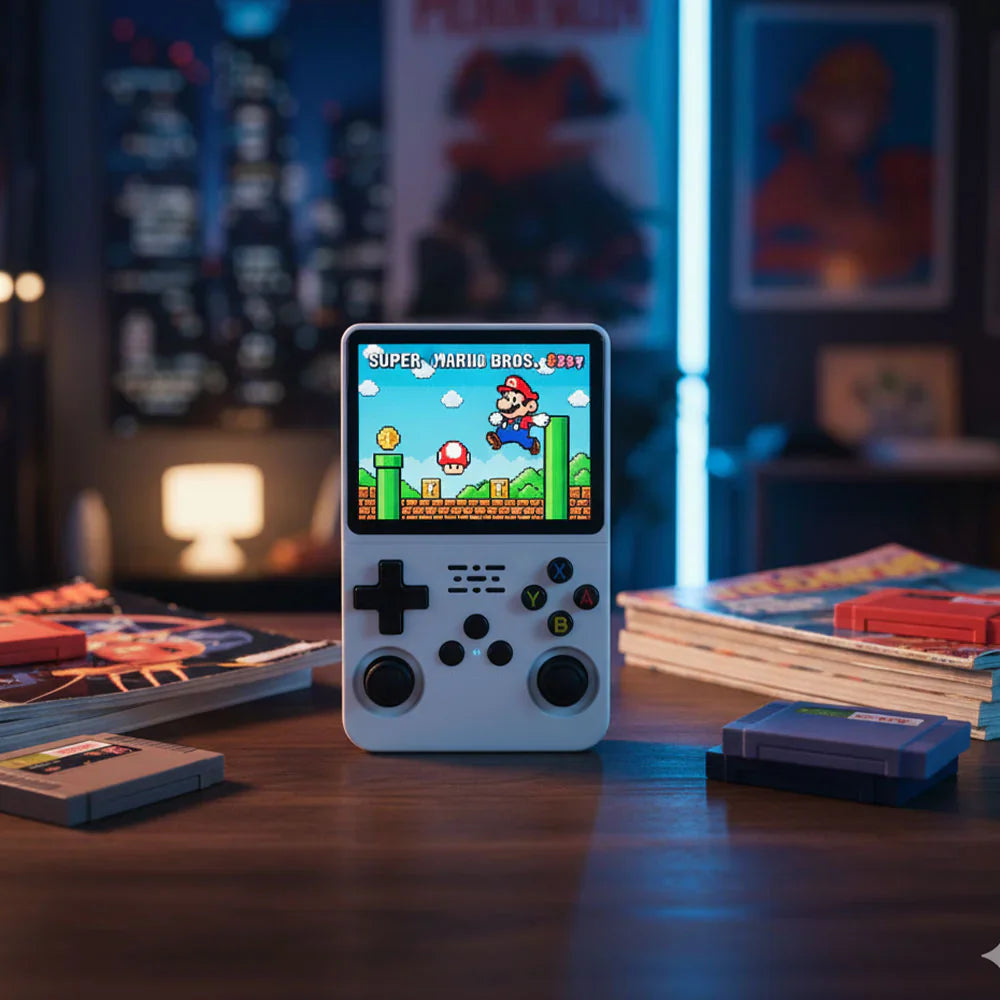

R36S Supported Systems and Legal Game File Guide
The R36S handheld console is best understood as a compact Linux-based device for classic emulation support, portable play, and legally owned game files. Exact storage contents, firmware menus, and supported systems can vary by batch and option, so we avoid promising a fixed copyrighted game library.
Use this guide to understand the kind of systems the R36S can support, what affects performance, and how to keep your setup clean and compliant.
What the R36S Handles Best
- 8-bit and 16-bit console-style libraries.
- Classic handheld libraries.
- Arcade-style 2D games and puzzle games.
- Many lighter disc-era and early 3D-era titles, depending on file, firmware, and settings.
What Can Vary
Performance depends on the game file you legally own, emulator core, firmware version, SD card quality, and the settings selected on the device. Some titles run smoothly with default settings, while more demanding titles may need frame skip, resolution, or emulator changes.
Legal Use
Customers are responsible for using game files and BIOS files in accordance with applicable law and licenses. We do not advertise copyrighted libraries as licensed inclusions and we do not grant rights to third-party software or media.
Storage and Setup
Back up your microSD card before changing files. Keep the original card untouched until you understand the folder layout. If you experiment with firmware, use a separate quality card and document your changes.
Need Help Choosing?
If you want the simplest route, choose the R36S handheld console for affordable offline play, a compact 3.5-inch screen, and clear setup support. If wireless features, TV output, or higher-end 3D performance matter, compare related models before ordering.