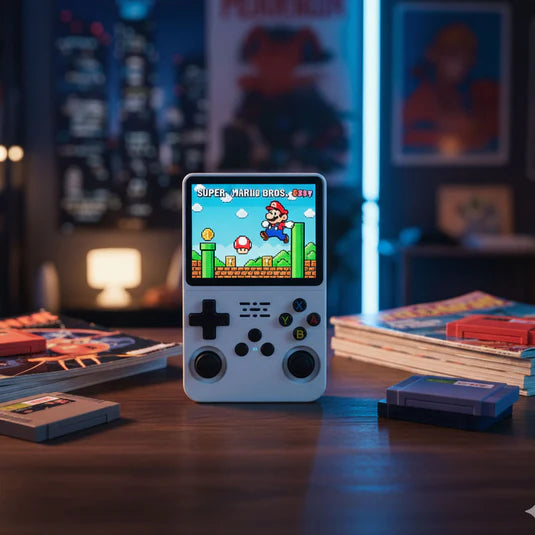
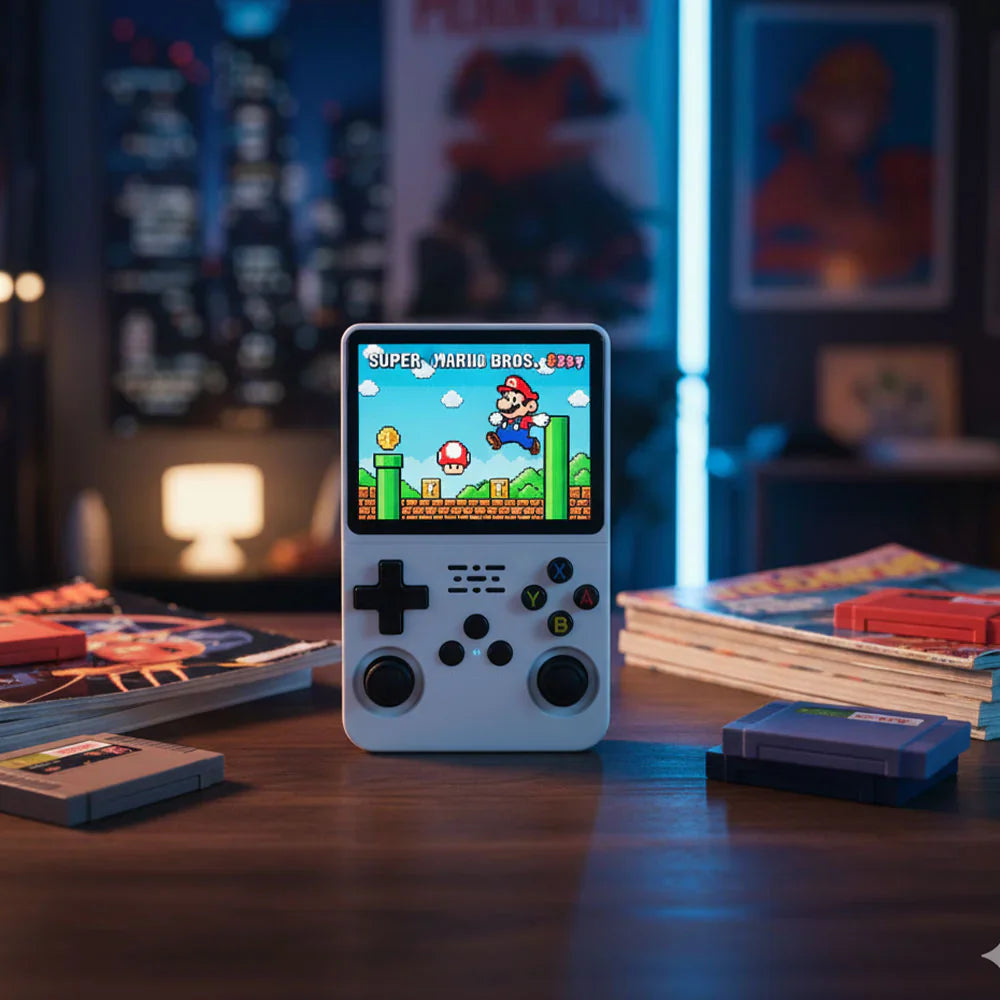
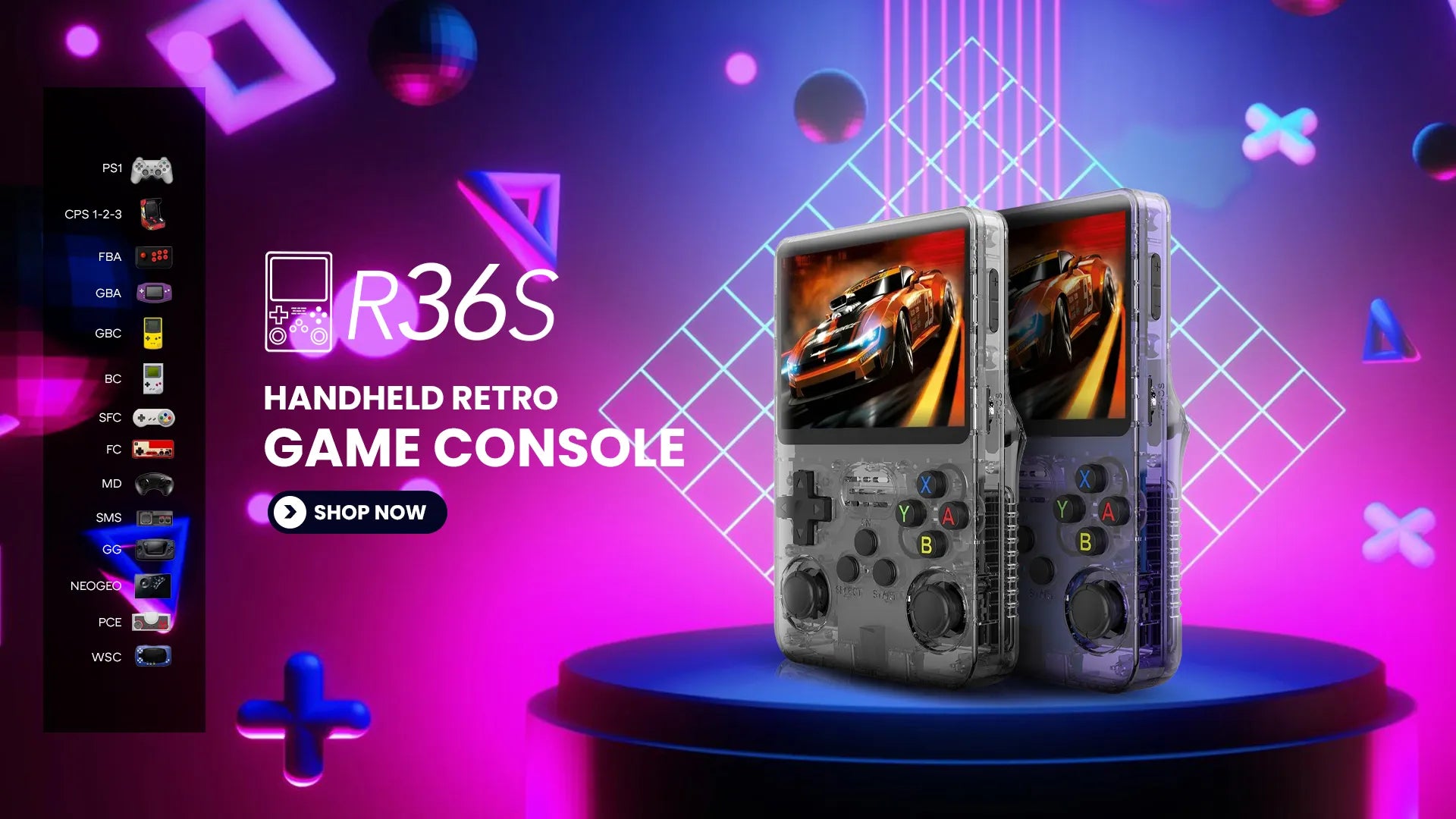
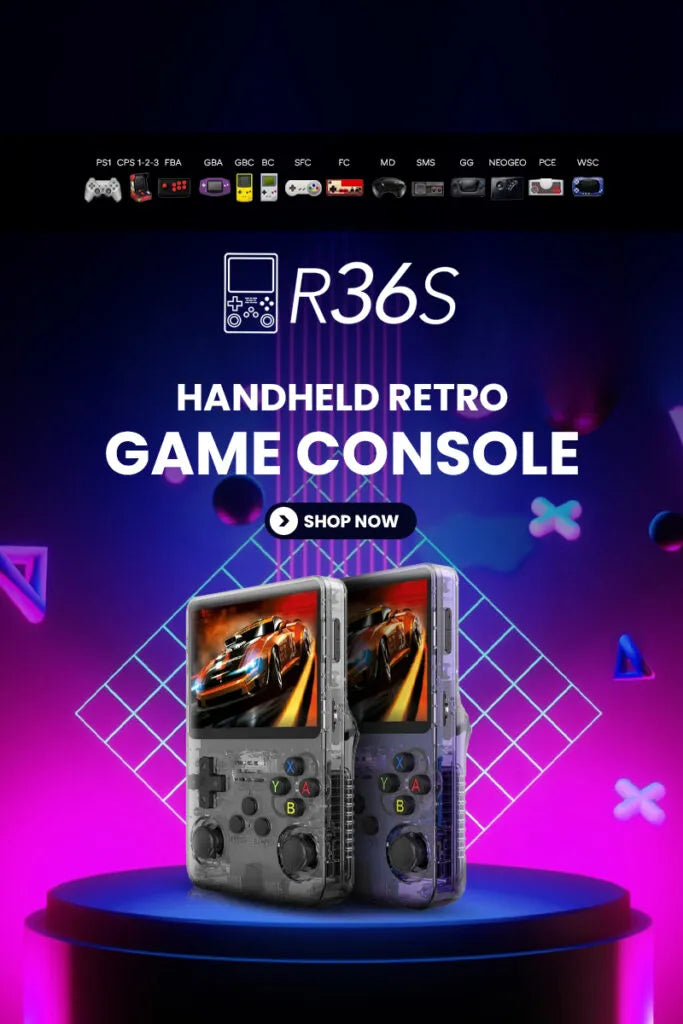
Entra en el mundo de la nostalgia portátil con el R36S Handheld, un favorito mundial entre los entusiastas de los juegos retro.
Revive la era dorada de los juegos con más de 15.000 títulos clásicos integrados, una pantalla HD vibrante de 3,5 pulgadas y hasta 8 horas de juego sin parar.
Compacto, potente e infinitamente divertido: el R36S Handheld es tu compañero retro de bolsillo para viajar, ir a casa o a cualquier lugar donde te lleve la vida.
Ya sea que estés explorando aventuras antiguas o compartiendo recuerdos con amigos, R36S Handheld ofrece alegría retro en todo el mundo, en cualquier momento y en cualquier lugar.
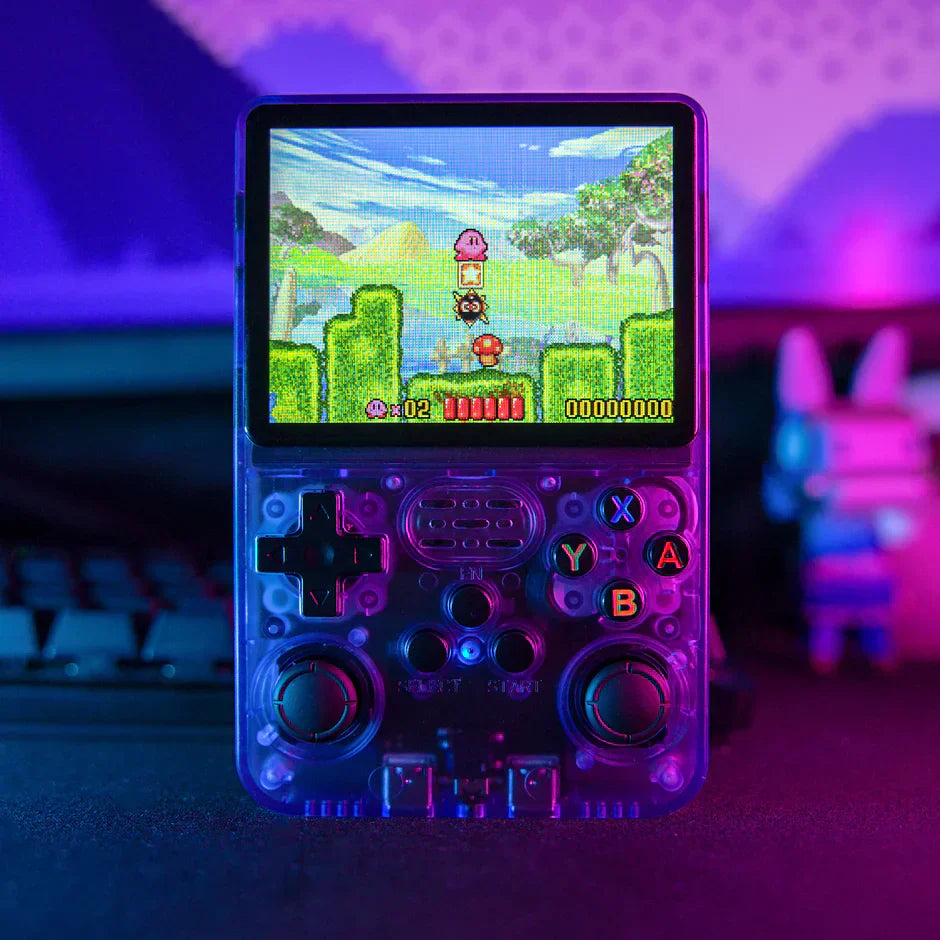
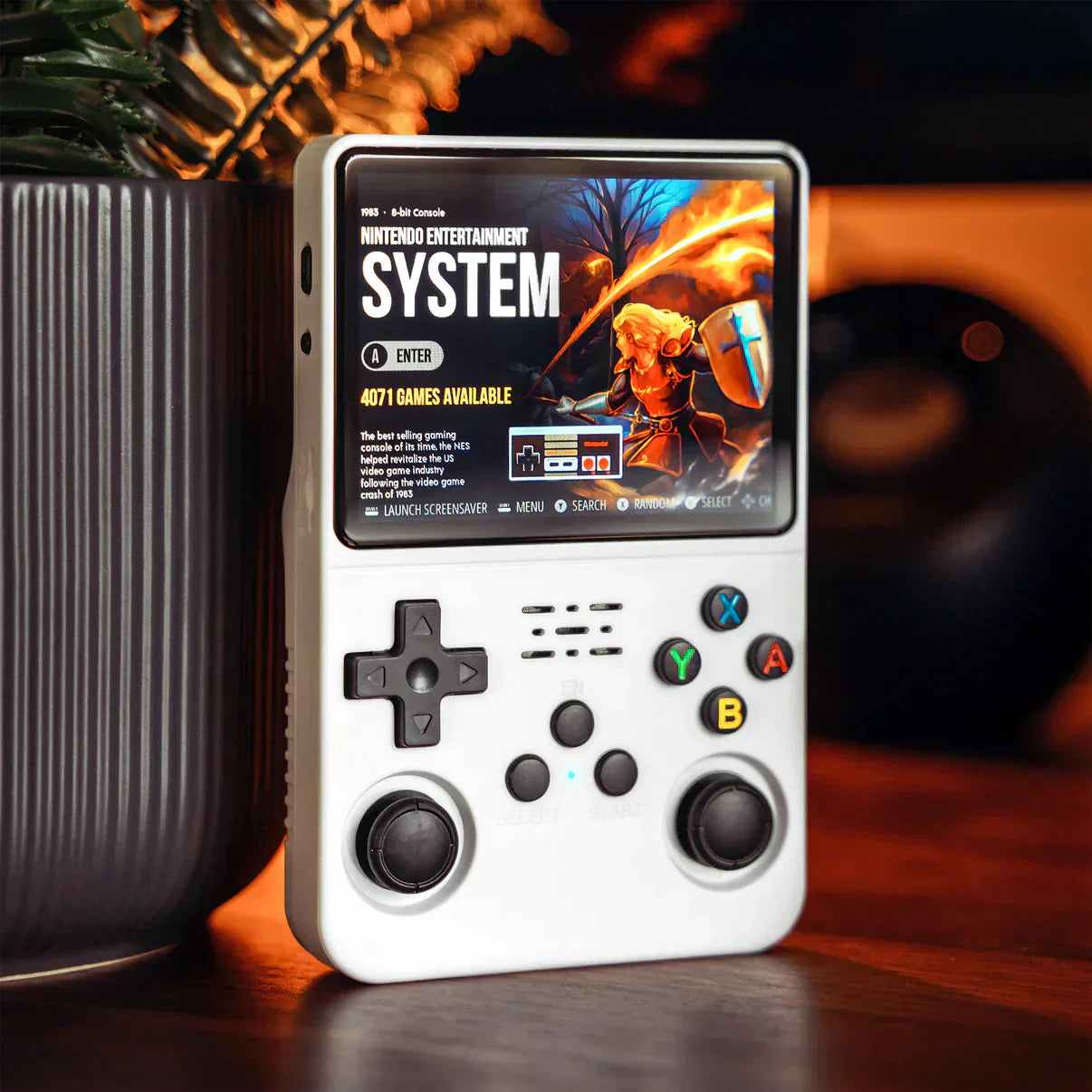
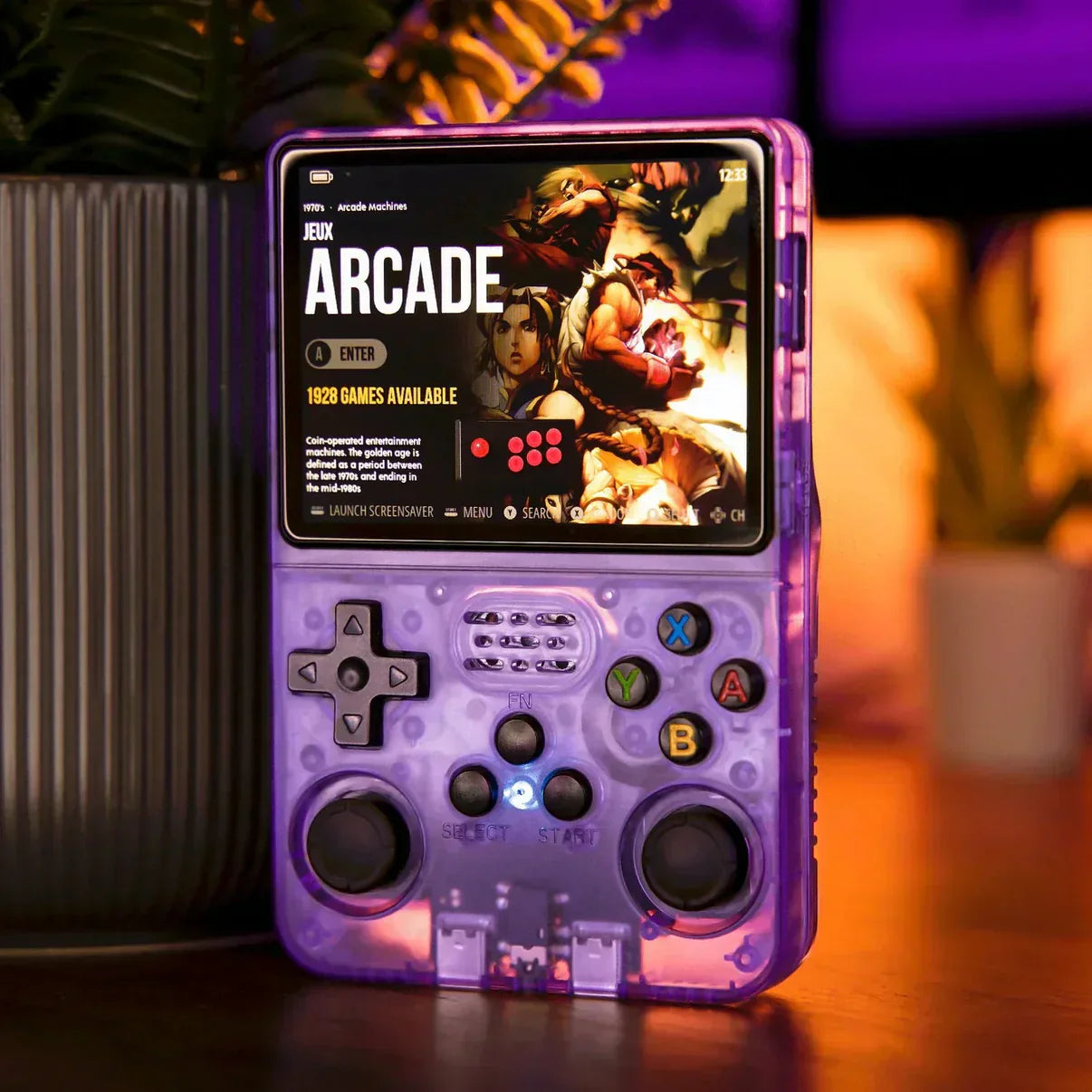
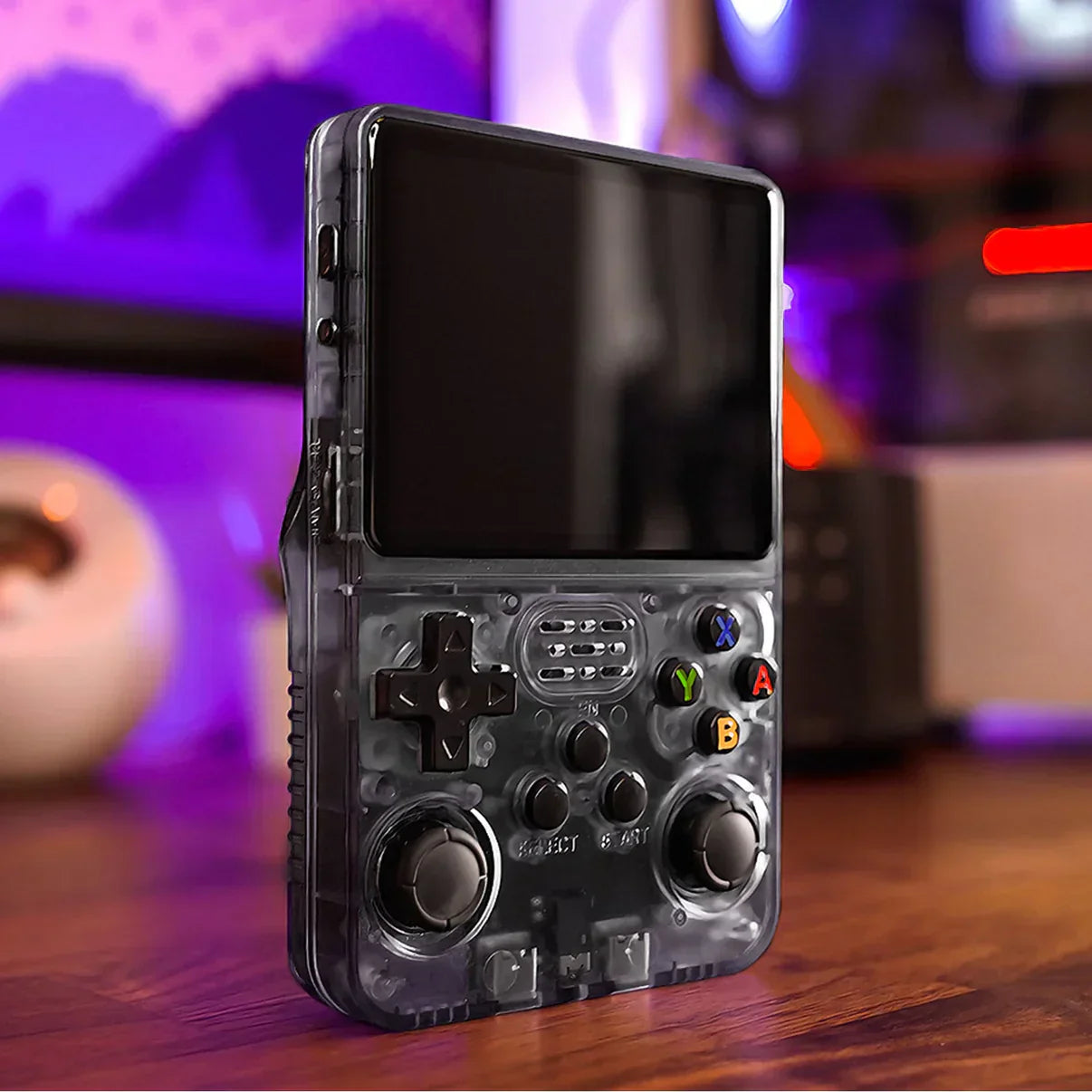
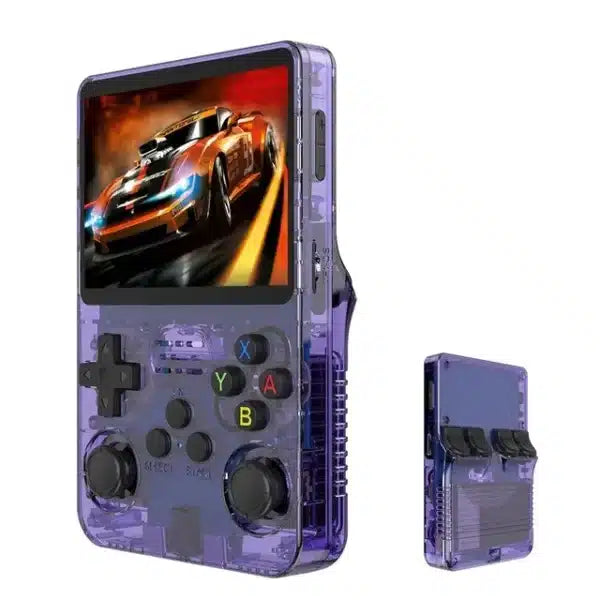
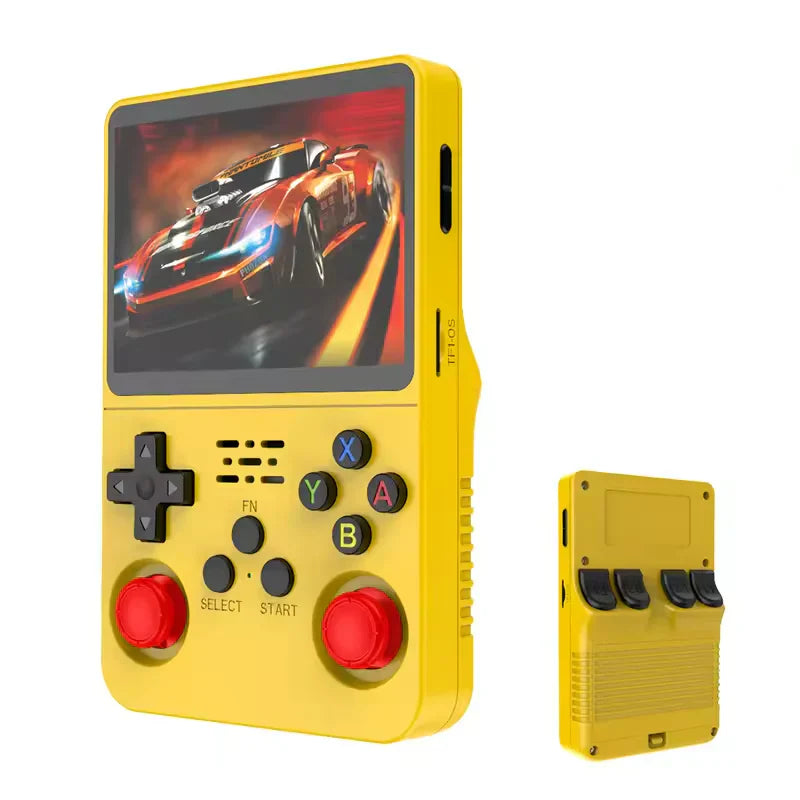
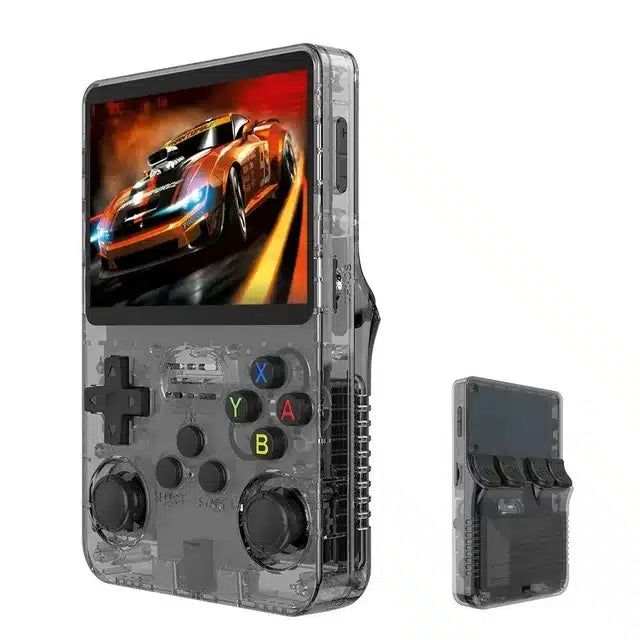
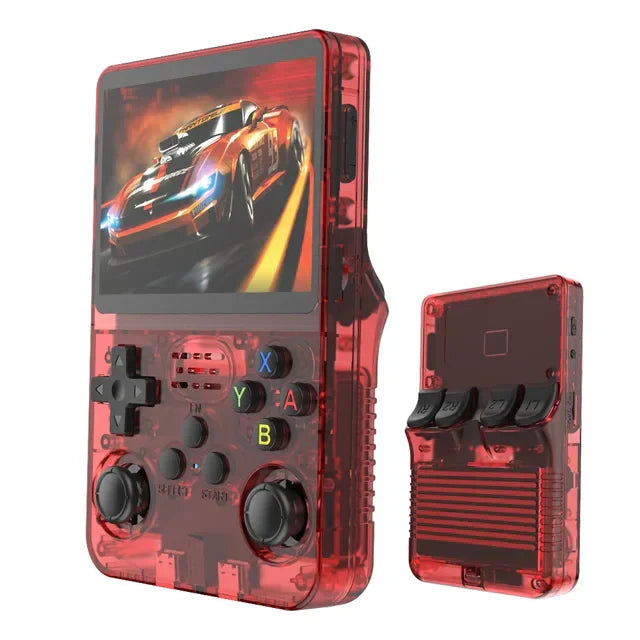
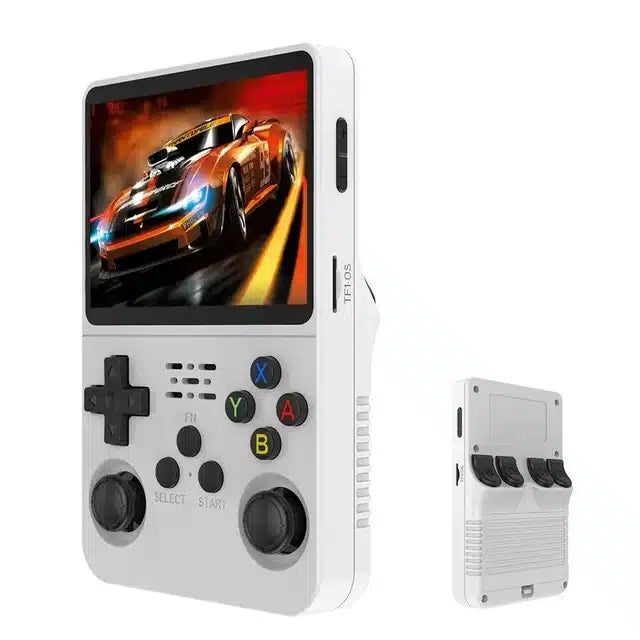
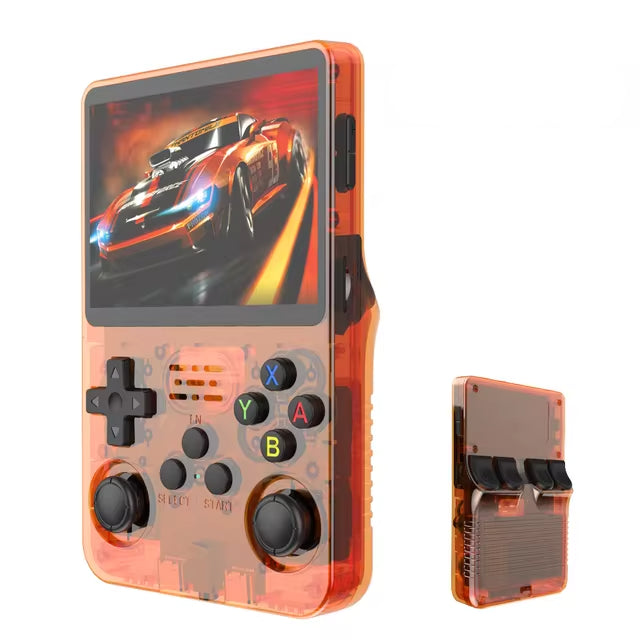
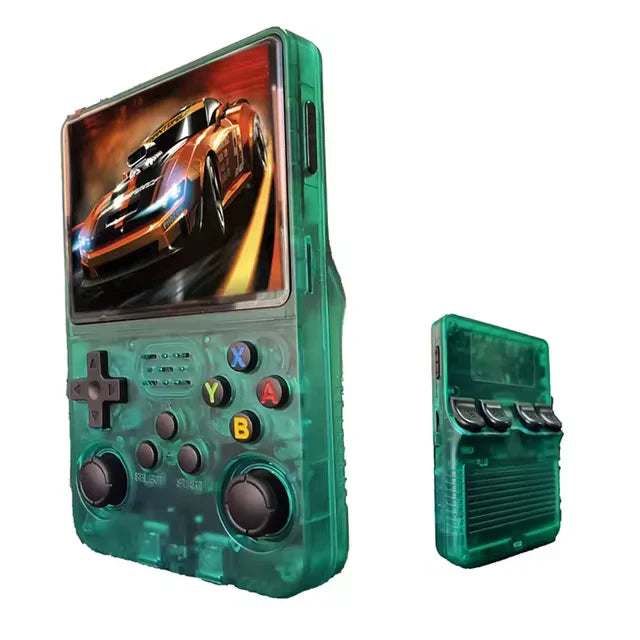
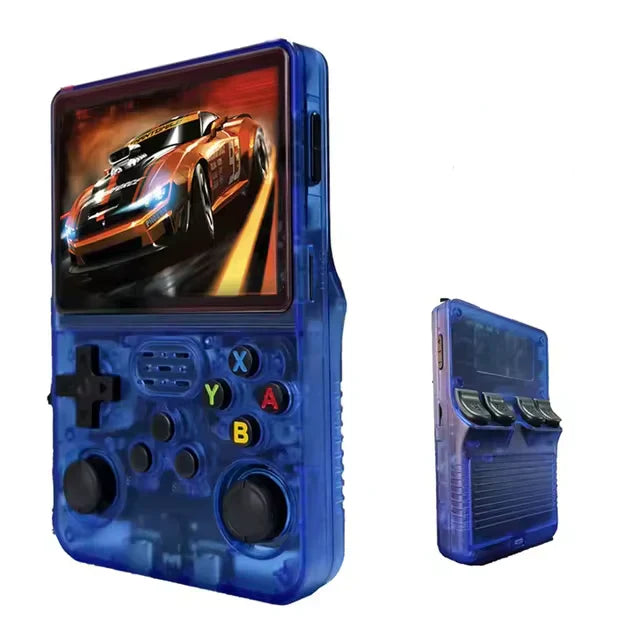
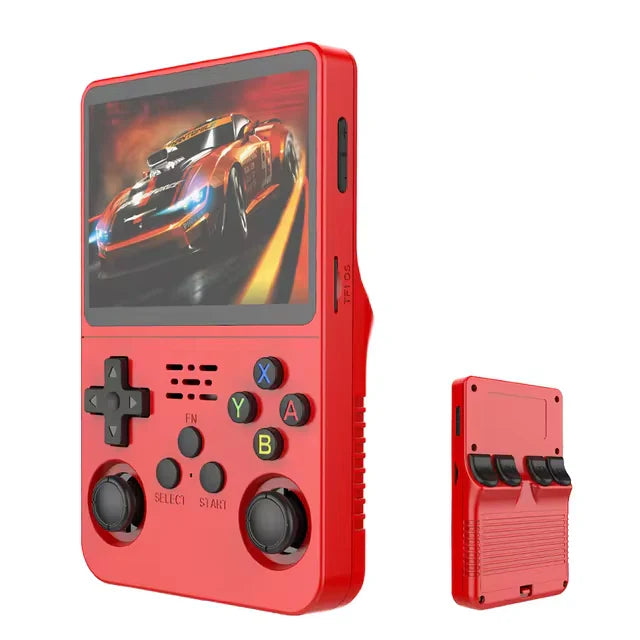
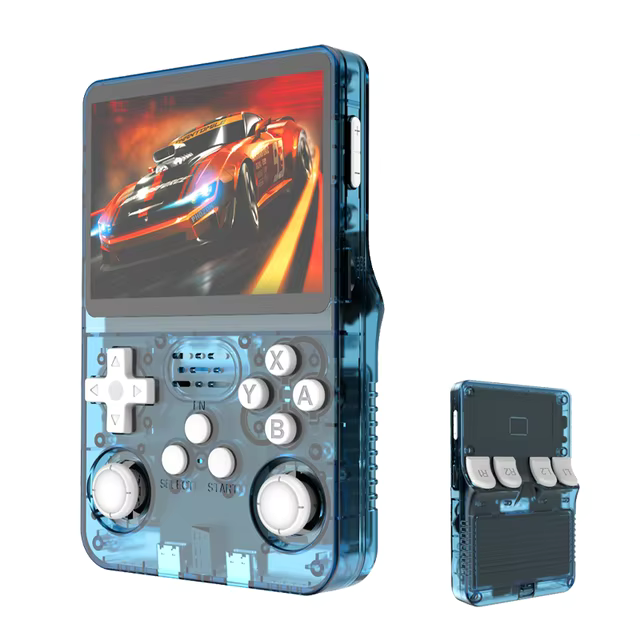
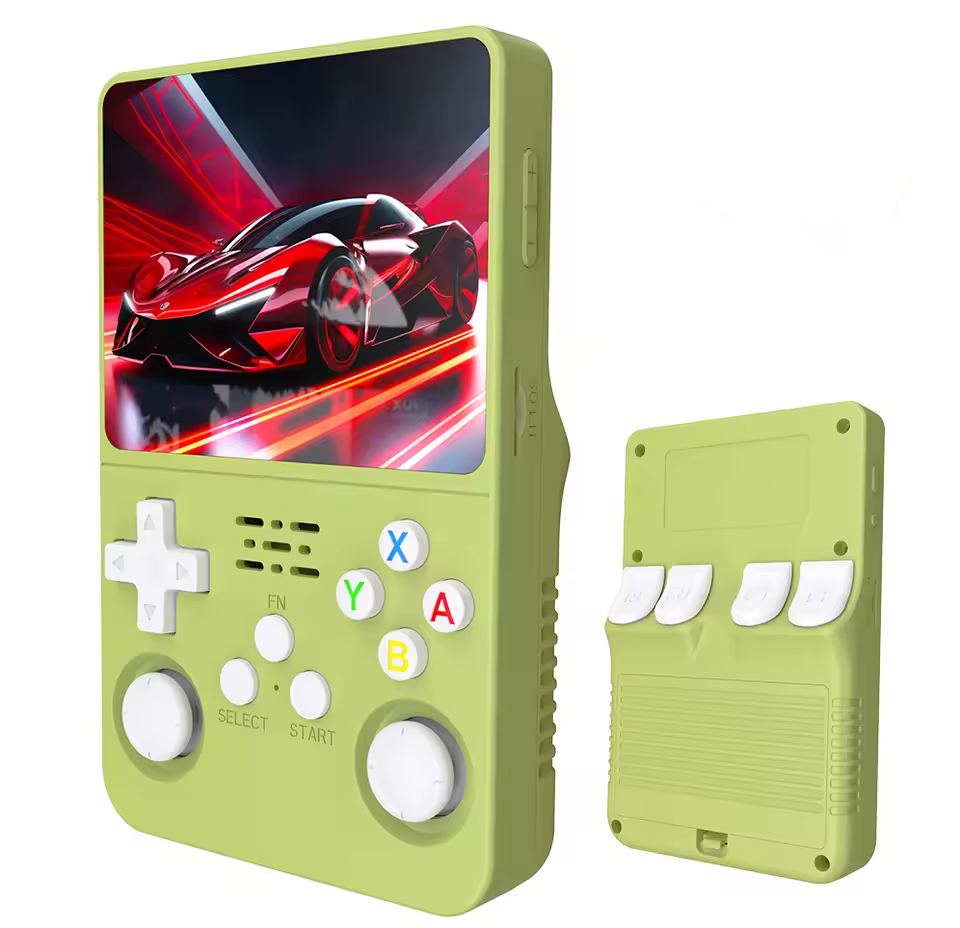
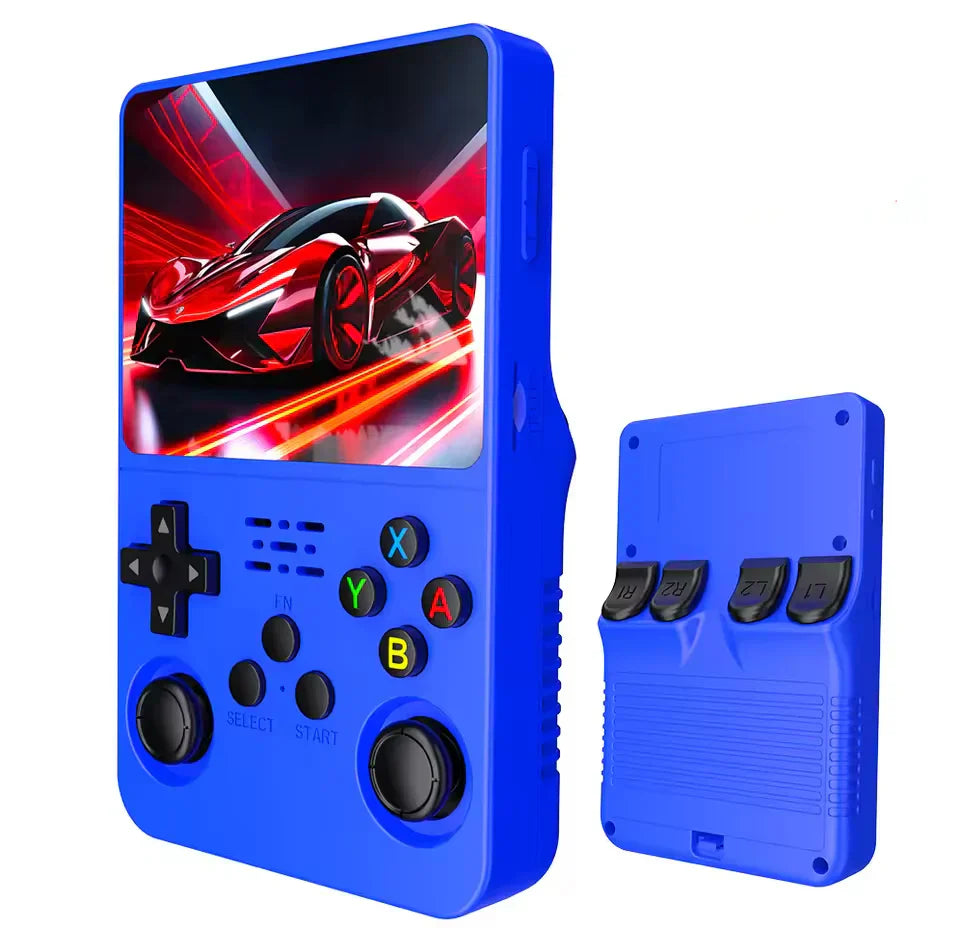
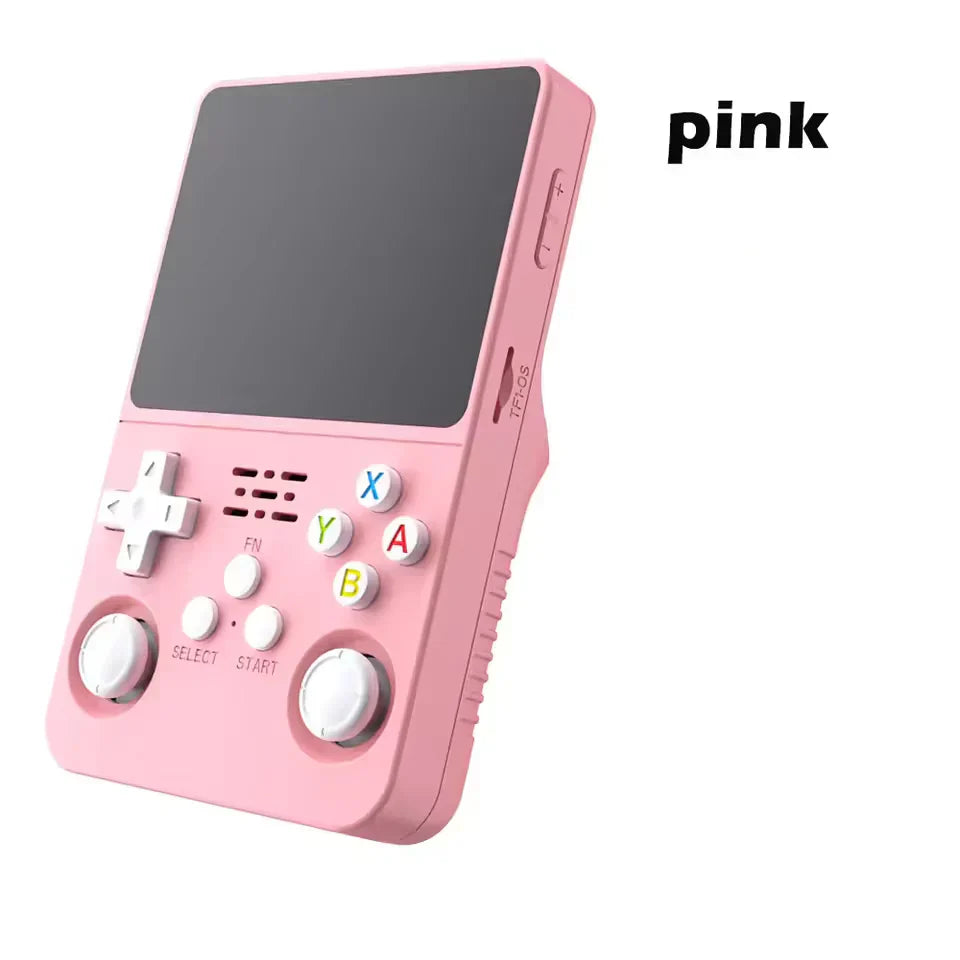
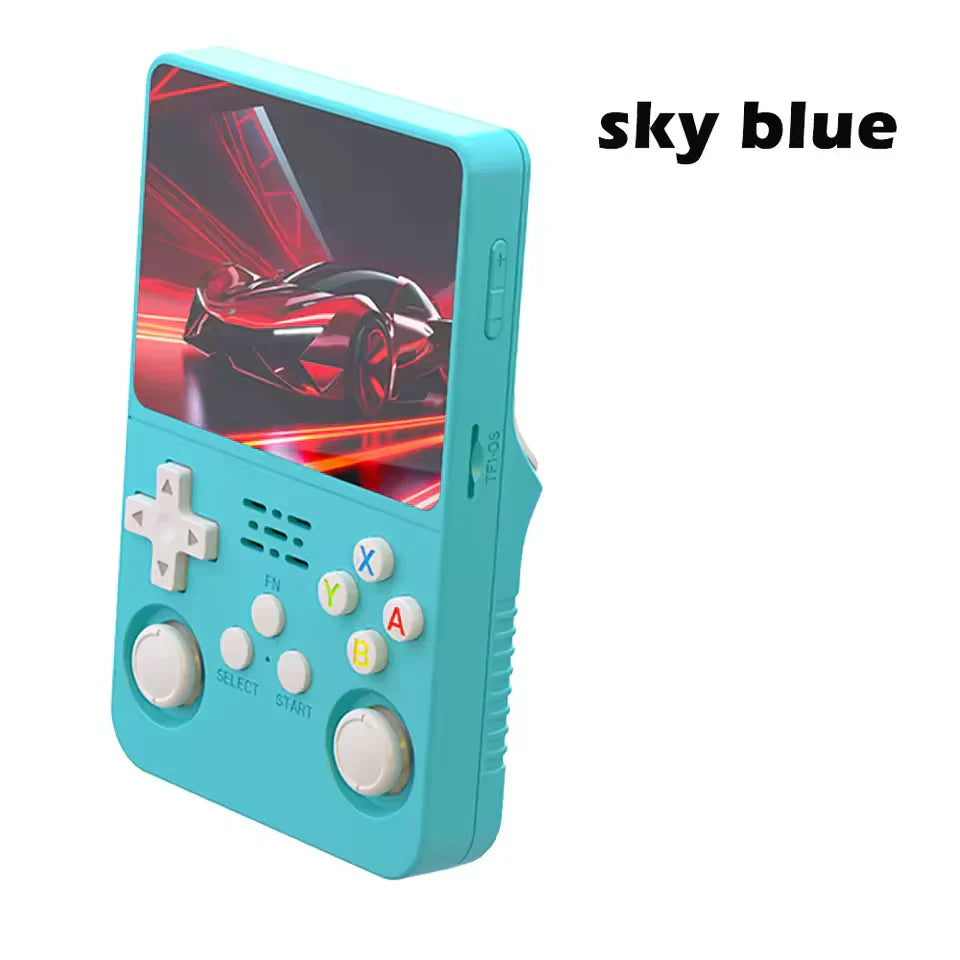
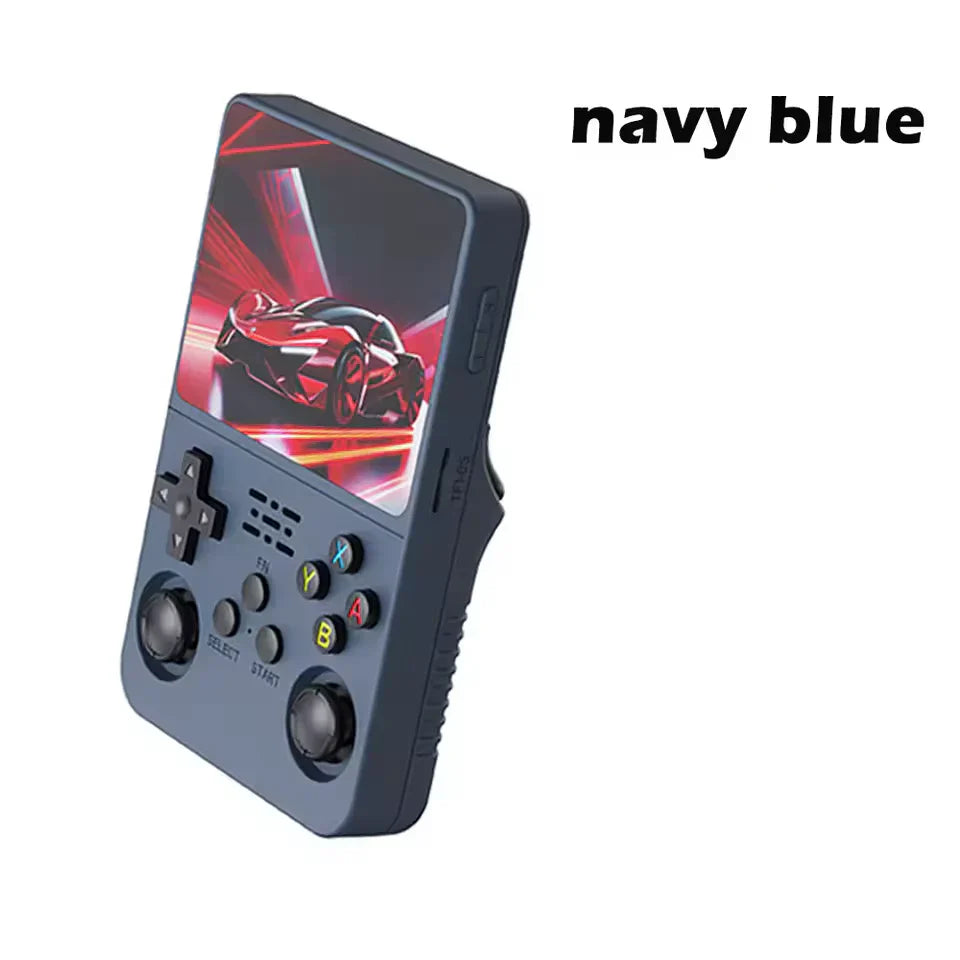
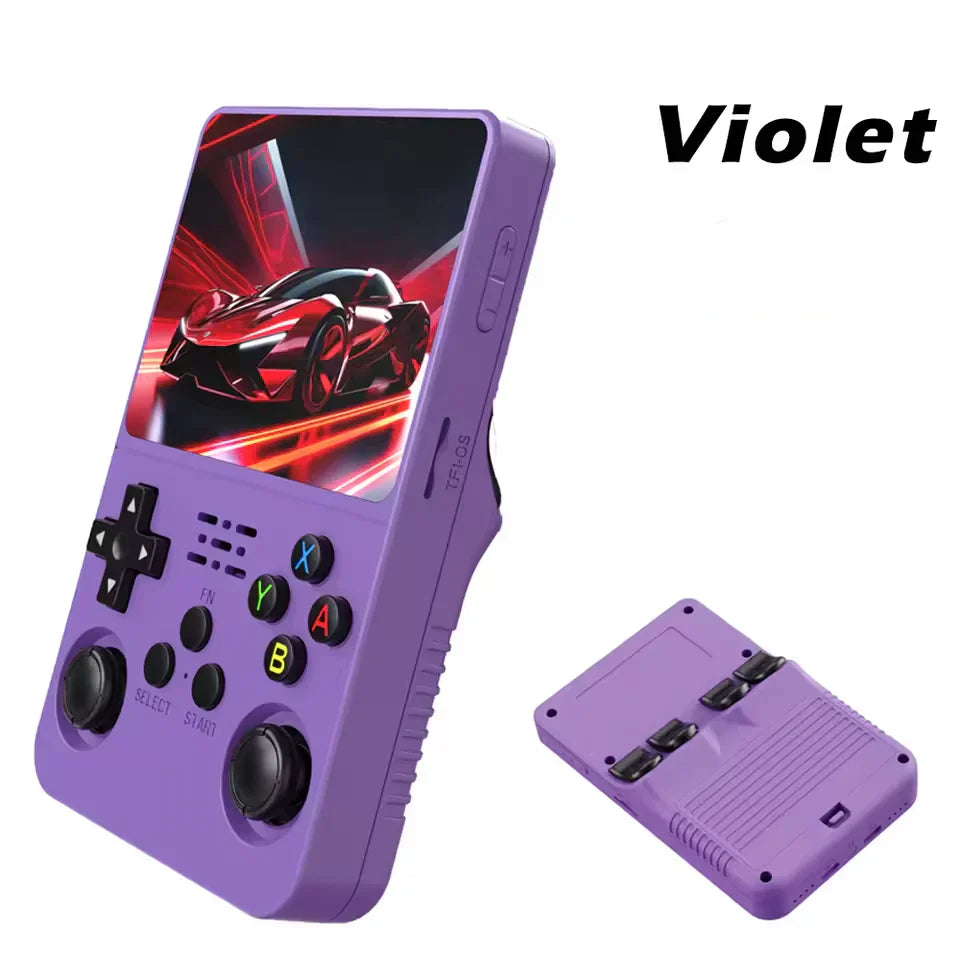
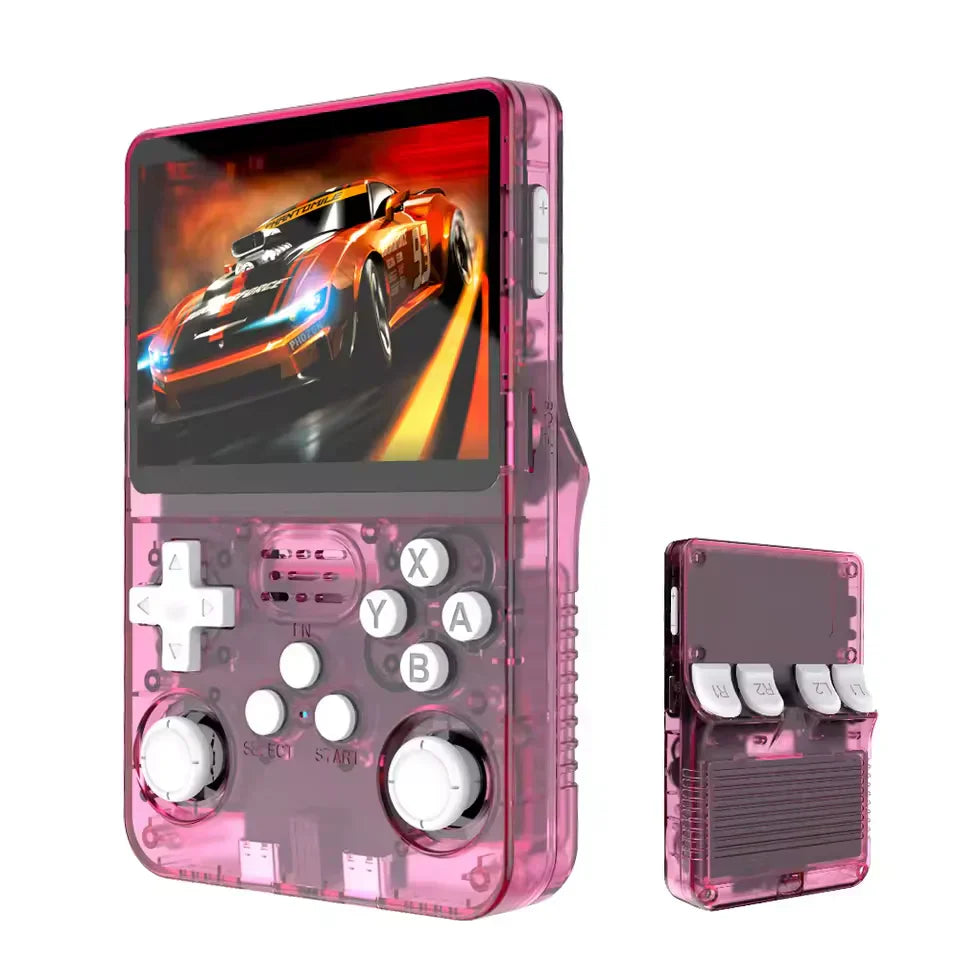
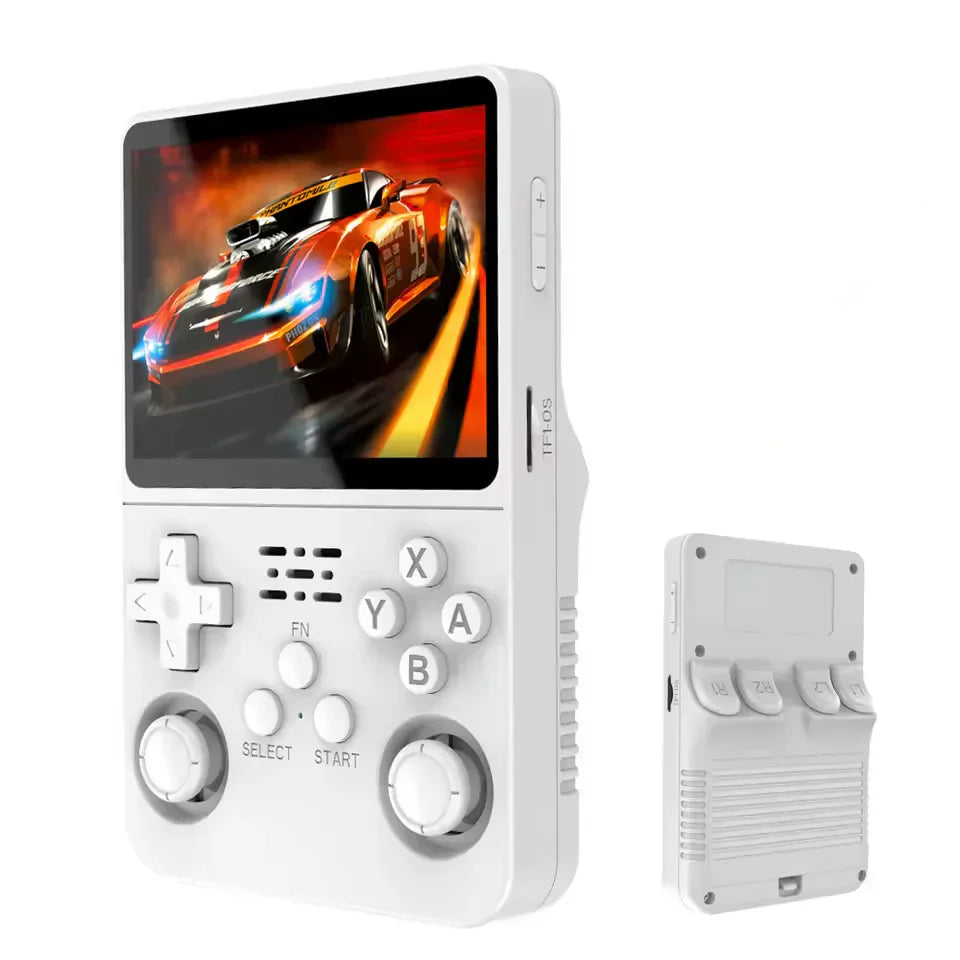
Consola portátil R36S
Consola portátil R36S






🔥 Los más vendidos: nuestros emuladores portátiles más populares
Adéntrate en el mundo de los juegos retro portátiles con nuestras consolas portátiles más vendidas, diseñadas para jugadores que valoran la nostalgia, el rendimiento y la libertad.
Cada modelo combina un hardware potente, una emulación fluida y una batería de larga duración, lo que te permite disfrutar de tus clásicos favoritos en cualquier momento y en cualquier lugar.
Desde consolas de bolsillo compactas hasta emuladores portátiles con todas las funciones, estos dispositivos ofrecen horas de puro placer de jugar en casa o mientras viajas.
Descubre por qué miles de los jugadores de todo el mundo eligen estas consolas portátiles por su combinación perfecta de portabilidad y diversión.
-
 AHORRAR [porcentaje]
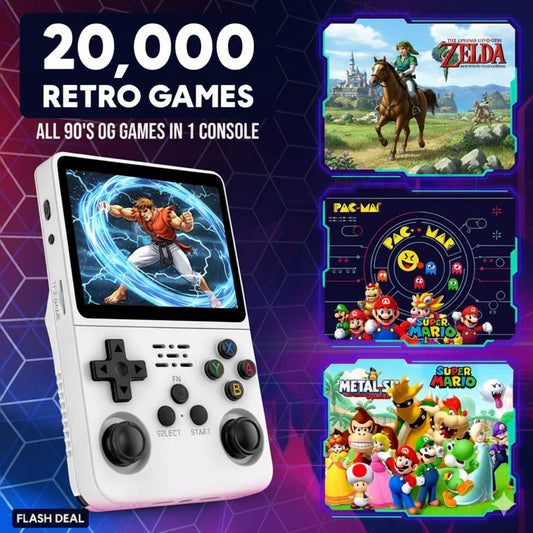
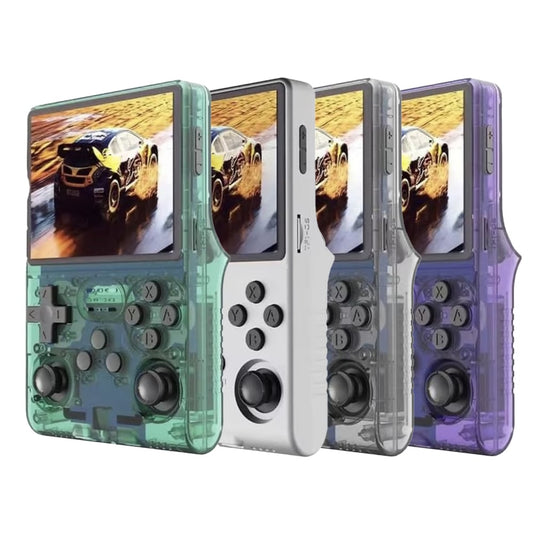
Consola portátil R36S
Precio habitual A partir de $59.00Precio habitual A partir de $59.00 Precio de ofertaPrecio unitario por$130.0054% -
 AHORRAR [porcentaje]
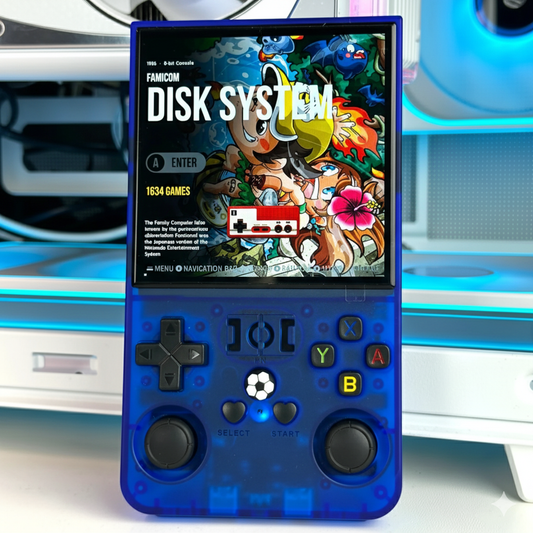
Consola de juegos retro portátil R40S Pro
Precio habitual $79.00Precio habitual $79.00 Precio de ofertaPrecio unitario por$91.9514% -
 AHORRAR [porcentaje]
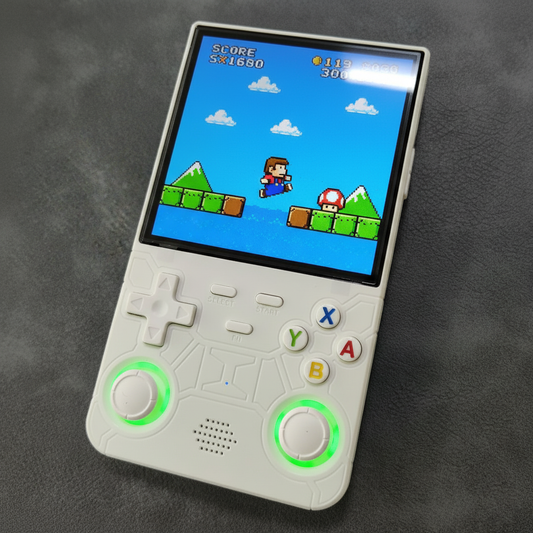
Consola de juegos portátil retro R36MAX Sistema Linux
Precio habitual A partir de $89.00Precio habitual A partir de $89.00 Precio de ofertaPrecio unitario por$128.0030% -
 AHORRAR [porcentaje]
Consola de juegos portátil retro R36 ULTRA
Precio habitual A partir de $89.00Precio habitual A partir de $89.00 Precio de ofertaPrecio unitario por$106.0016% -
Consola de juegos Wi-Fi R36S Plus de 4"
Precio habitual A partir de $79.00Precio habitual A partir de $79.00 Precio de ofertaPrecio unitario por -
Consola de videojuegos portátil retro R36PRO
Precio habitual A partir de $89.00Precio habitual A partir de $89.00 Precio de ofertaPrecio unitario por

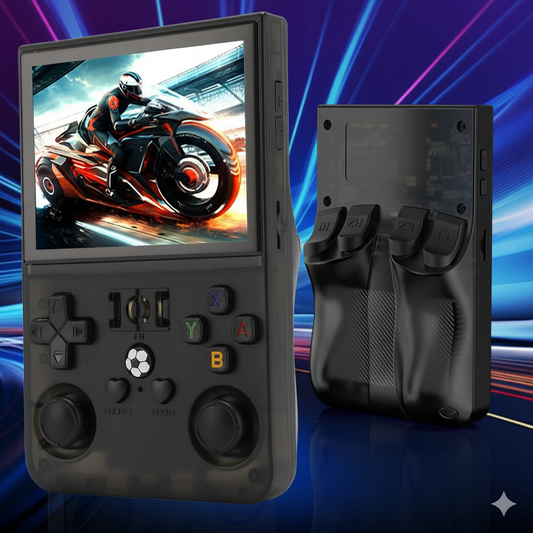
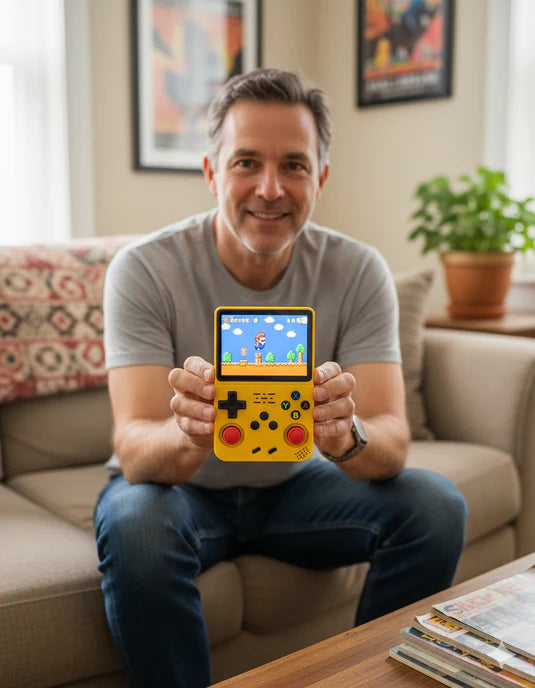
🎮 How Our Handheld Consoles Work
The handheld game consoles in this collection are built for effortless retro fun.
Just power on, choose your favorite title, and start playing instantly — no setup, no Wi-Fi, no waiting.
With one touch, you can start, pause, and continue any game right where you left off.
Enjoy sharp, vibrant gameplay on a bright 3.5” IPS HD screen, perfectly sized to fit in your pocket for true portability.
Whether you’re into action, racing, or classic arcade adventures, these handheld consoles put thousands of retro games in the palm of your hand — ready to play anytime, anywhere.
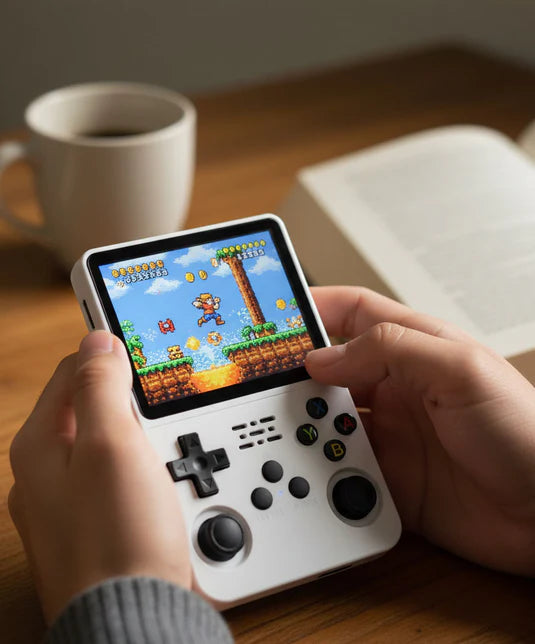
🌍 Why Handheld Game Consoles Are Loved Worldwide
The handheld game console isn’t just another gadget — it’s a bridge between nostalgia and modern technology.
Gamers everywhere love these consoles for their classic game libraries, compact design, and pure plug-and-play simplicity.
They make the perfect gift 🎁 — whether for someone reliving childhood adventures or a new generation discovering retro gaming for the first time.
With long battery life, fast charging, and support for multiple platforms, today’s handheld consoles deliver endless entertainment in the palm of your hand.
That’s why they’ve become some of the most popular handheld consoles in the world — blending emotion, performance, and timeless gaming joy.
🟡 Real Gamers, Real Fun – Why Everyone Loves Handheld Game Consoles
Dispositivo portátil R36S: preguntas frecuentes
🕹️ How do I add games to the R36S handheld?
🕹️ How do I add games to the R36S handheld?
You can add games to your R36S handheld by connecting it to your computer via USB and transferring ROM files into the correct system folders. Each emulator (NES, SNES, PS1, etc.) has its own directory. Make sure to use supported ROM formats and safely eject the device after transferring.
🔋 How do I charge the R36S handheld?
🔋 How do I charge the R36S handheld?
Use the included USB-C cable and connect it to any standard 5V charger. The LED indicator will light up during charging and turn off when fully charged. A full charge takes about 2 hours and provides up to 6–8 hours of gameplay.
🌐 Does the R36S handheld have Wi-Fi?
🌐 Does the R36S handheld have Wi-Fi?
Yes, most R36S handheld versions include built-in Wi-Fi for game updates, emulator configuration, and wireless file transfer. You can connect to Wi-Fi from the settings menu under “Network.
📶 How do I connect my R36S handheld to Wi-Fi?
📶 How do I connect my R36S handheld to Wi-Fi?
Go to “Settings” → “Network” → “Wi-Fi,” enable it, and select your network. Enter your password and press confirm. Once connected, you can sync save files, update firmware, or use retro achievement features.
⚙️ How do I factory reset my R36S handheld?
⚙️ How do I factory reset my R36S handheld?
To factory reset, go to “Settings” → “System” → “Restore Default.” This will reset all preferences but keep your game files safe. For a full reset (including storage), reflash the system image using a TF card and official firmware.
🎮 What games come preloaded on the R36S handheld?
🎮 What games come preloaded on the R36S handheld?
The R36S handheld includes thousands of classic titles from consoles like NES, SNES, Game Boy, Sega Genesis, and PlayStation 1. The specific number varies by storage version (32GB, 64GB, or 128GB models).
📺 Can the R36S handheld connect to a TV?
📺 Can the R36S handheld connect to a TV?
Yes. Use the mini HDMI or USB-C (depending on your model) to connect the R36S handheld to your TV or monitor. Select the appropriate input source, and the console will automatically switch to big-screen mode for plug-and-play gaming.
🕹️ How do I set up the R36S handheld for the first time?
🕹️ How do I set up the R36S handheld for the first time?
Simply charge the device, power it on, and explore the preloaded menus. No software installation is needed. You can personalize settings like language, screen brightness, and control layout directly from the main menu.
💾 How do I install ArkOS or other custom firmware?
💾 How do I install ArkOS or other custom firmware?
Advanced users can install custom operating systems like ArkOS by downloading the correct image file, flashing it onto a TF card using software like BalenaEtcher, and inserting it into the console. Always back up your data before making changes.
💡 How many games can the R36S handheld hold?
💡 How many games can the R36S handheld hold?
Depending on your SD card size, you can store anywhere from 10,000 to 25,000 games. Larger memory options (like 128GB) offer more emulators and space for high-quality PS1 or N64 games.
>🛒 Where can I buy the R36S handheld?
>🛒 Where can I buy the R36S handheld?
You can purchase official R36S handheld consoles directly from <a href="https://r36shandheld.com">r36shandheld.com</a>. We ship worldwide with fast delivery and warranty support.
🔄 How do I update my R36S handheld?
🔄 How do I update my R36S handheld?
Connect your console to Wi-Fi, go to “Settings” → “System Update,” and follow the on-screen prompts. Alternatively, download the latest firmware from the official support page and install it manually via TF card.
🛡️ Is the purchase safe and secure?
🛡️ Is the purchase safe and secure?
We use SSL encryption, trusted payment gateways (PayPal, credit card), and fraud protection systems. Your payment details are never stored by us.
🔄 What is your return or warranty policy?
🔄 What is your return or warranty policy?
We offer 30-day hassle-free returns and a 12-month manufacturer warranty. If the unit has defects, we replace or repair it at no extra cost. (Shipping cost for returns is covered.)
>🚚 How long does shipping take and are there customs fees?
>🚚 How long does shipping take and are there customs fees?
We ship globally within 3–7 business days (depending on destination). You’ll see all shipping & customs fees during checkout — no hidden surprises.
🔥 Why choose your handheld console instead of others?
🔥 Why choose your handheld console instead of others?
Our consoles are tested for stable performance, come with optimized firmware, responsive customer support, and free updates. We also include helpful guides to get you started instantly.
📱 Can I update firmware or add features later?
📱 Can I update firmware or add features later?
Yes — firmware updates are available via Wi-Fi or TF card. We regularly release improvements and new features to ensure long-term device value.
👥 Do you offer support if I have issues?
👥 Do you offer support if I have issues?
Yes — we have 24/7 email support and a growing community of users. We also provide video tutorials, setup guides, and remote help when needed.

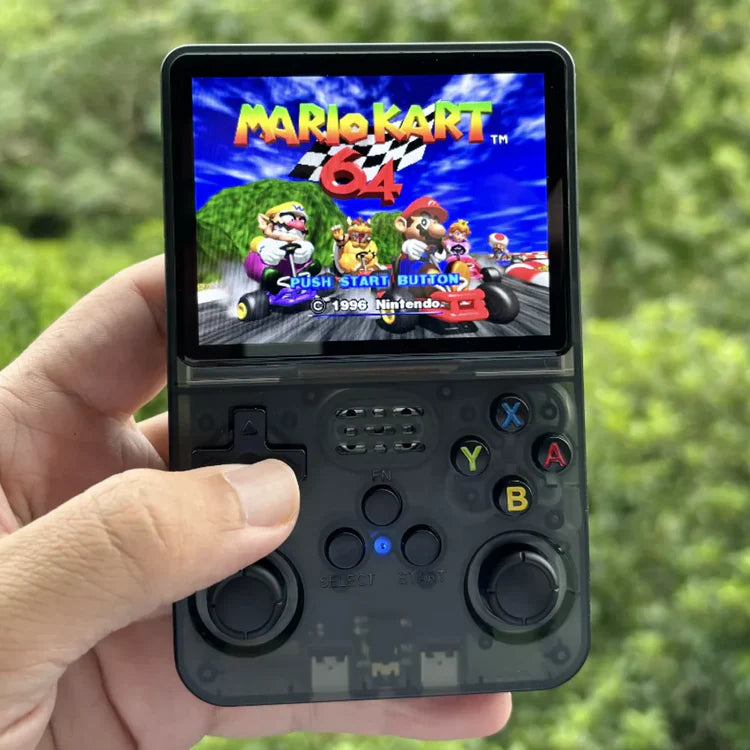
🕹️ R36S Game Console – Key Features
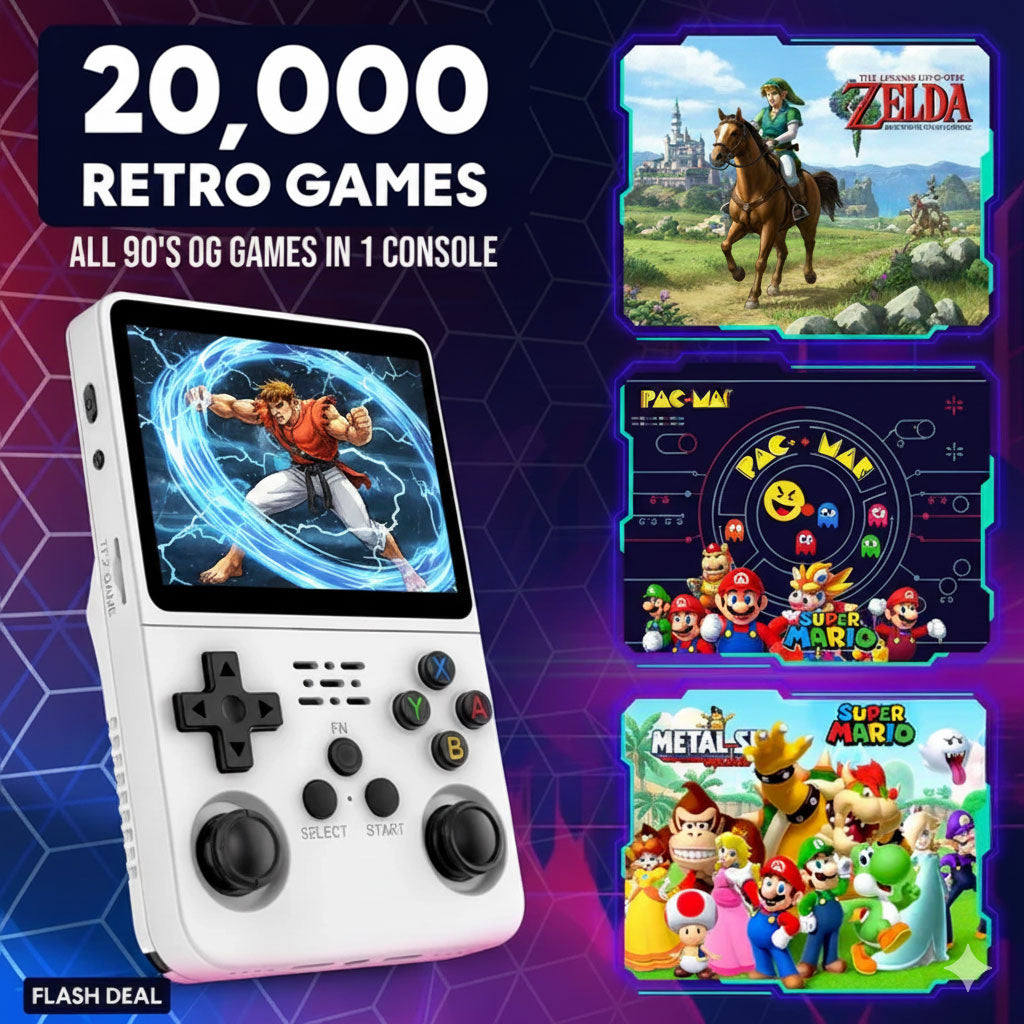
✔️ 20,000+ Preloaded Games – The R36S game console comes packed with thousands of classics from NES, SNES, GBA, PS1, N64, and more — ready to play right out of the box.
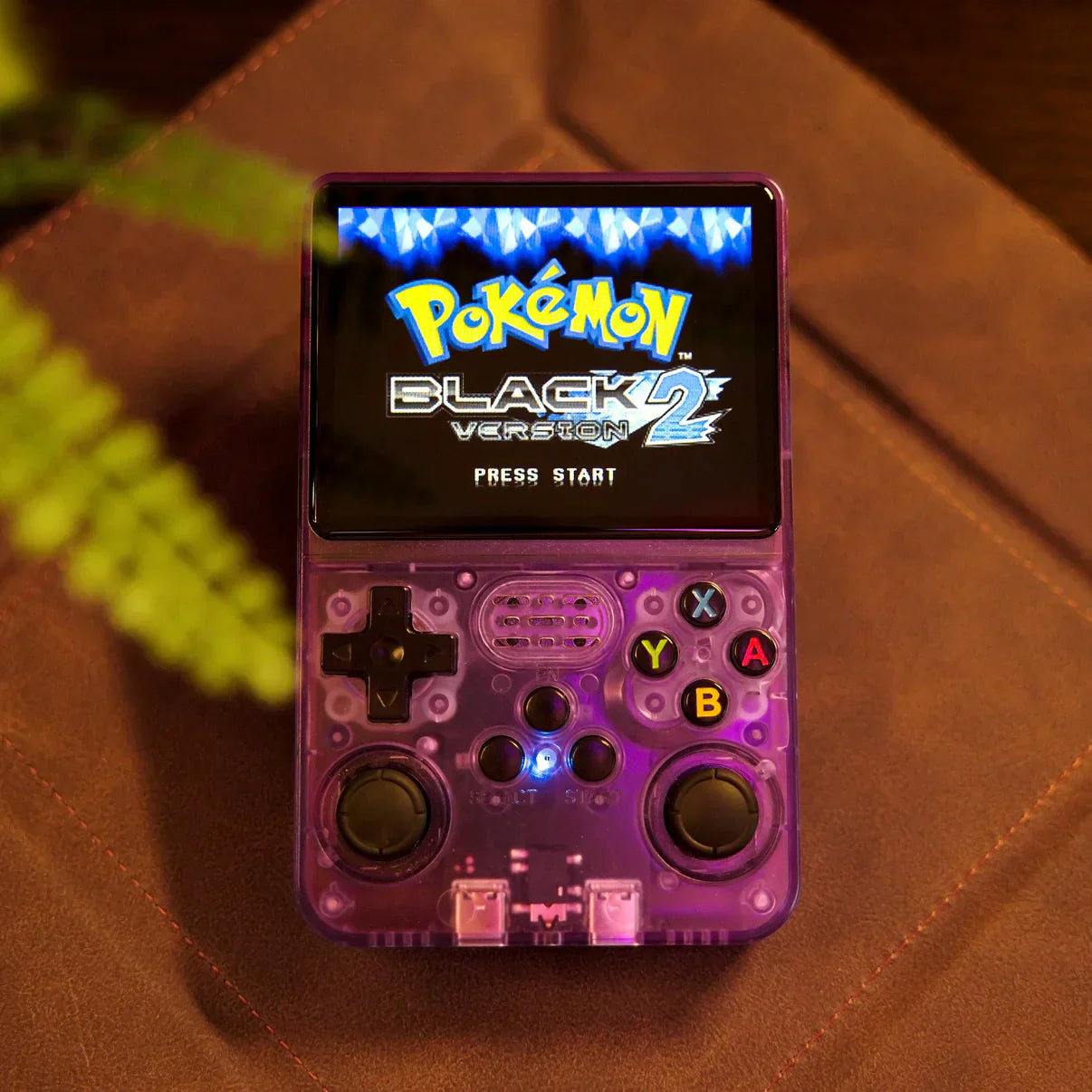
✔️ 3.5” IPS HD Display – Experience sharp visuals and rich colors with a 640×480 IPS screen, perfectly tuned for retro gaming clarity and vibrant detail.
✔️ Smooth, Lag-Free Performance – Powered by the Rockchip RK3326 quad-core CPU and Mali-G31 GPU, the R36S delivers seamless gameplay, even on demanding 3D titles like PS1 or N64.
✔️ Long Battery Life – Enjoy over 6 hours of continuous gameplay with the built-in 2600mAh rechargeable battery — perfect for travel, commutes, or relaxing at home.
✔️ Pocket-Sized Freedom – Lightweight, compact, and Wi-Fi-free, the R36S offers true plug-and-play portability, letting you relive your favorite adventures anytime, anywhere.
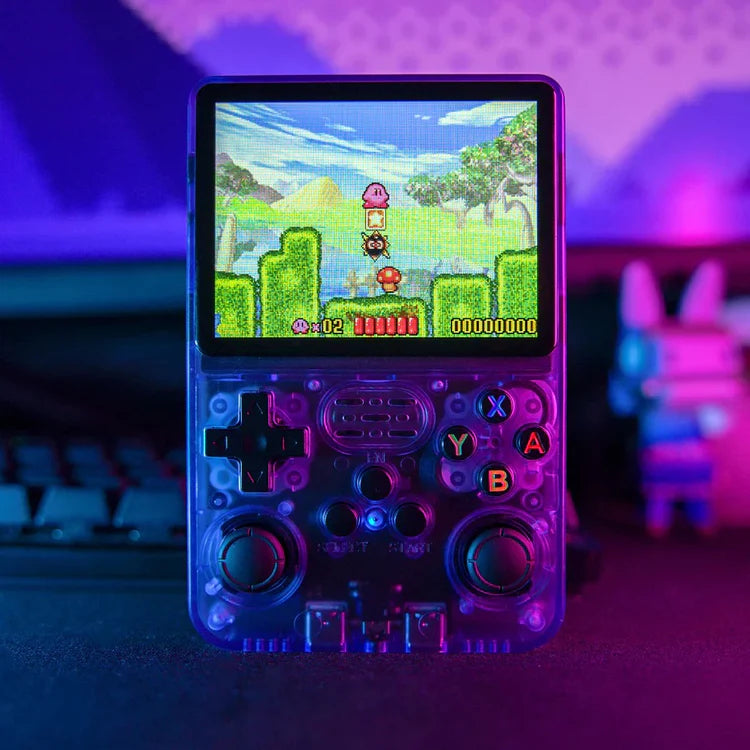
🌈 Crisp Visuals with the R36S Game Console
The R36S handheld console features a bright 3.5” IPS HD screen (640×480) that makes every retro game look sharp, colorful, and true to its classic style.
Enjoy smooth motion, rich details, and comfortable long play sessions — portable gaming has never looked this good.
✅ Top Display Highlights:
Sharp 640×480 Resolution
Vivid Colors & Clear Details
Smooth Frame Rendering
Compact, Immersive Screen
Easy on the Eyes
🔋 R36S Game Console Battery Life – More Play, Less Charging
Dependable Power for Non-Stop Retro Fun